Security Services Work Order
Prepare a security work order with the site, coverage window, assigned personnel, post orders, patrol checkpoints, equipment tasks, access procedures, status…
Complete and download the PDF before creating an account
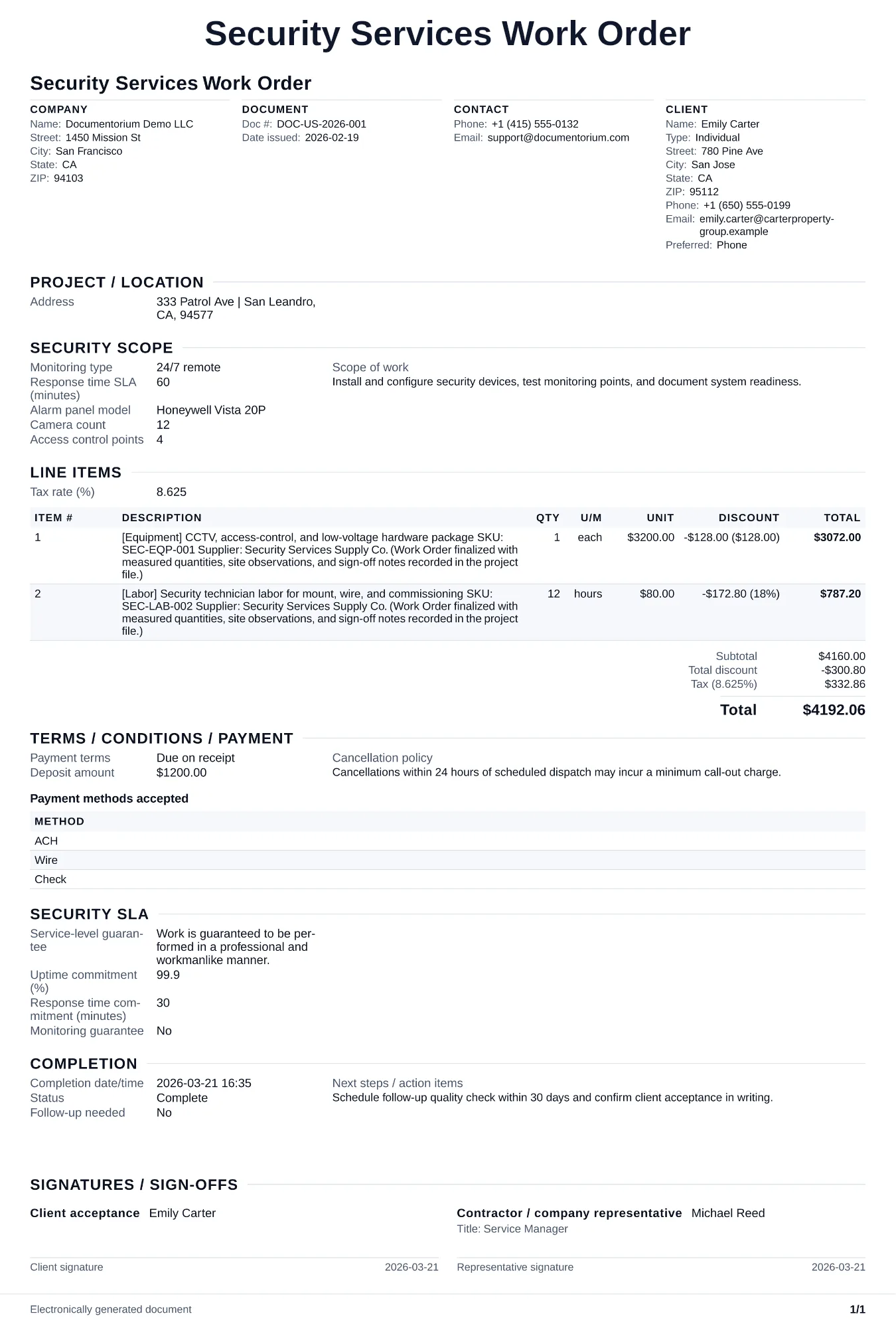
When to use and what to include
Assign and adjust execution details online, then generate a field-ready work order PDF. Use this to deploy a guard team for a specific event or temporary assignment so every officer knows the site, schedule, duties, and incident protocols before arriving.
What to include
- Communication plan: radio channels, supervisor contact number, client point of contact, and escalation chain for incidents (medical emergency, trespasser, fire).
- Equipment checklist per officer: uniform, ID badge, flashlight, radio, body camera, incident report forms, and any site-specific gear (reflective vest, vehicle keys).
- Reporting requirements: activity log entries at each checkpoint, incident report format, end-of-shift summary, and how/when to submit reports to the client and your operations manager.
Common questions
- Can I edit this Security Services Work Order before the assignment starts?
- Yes. Update the crew, site notes, materials, tasks, and schedule in the guided form before downloading the final PDF.
- Can I save this Security Services Work Order and reuse its details for similar jobs?
- Yes. With an account, save it in your history, edit it later, and reuse its job details as a starting point for similar work.
- Can I export this Security Services Work Order as a crew-ready PDF?
- Yes. Generate a PDF your team can open on-site or print for job folders.
- How do I document access credentials and keys issued to guards?
- Create a key and credential log on the work order listing each item issued, the guard who received it, and the date. Require a signature for each item and track returns at the end of the assignment.
- How do I keep work orders easy to identify?
- Give each job a reference number and record its customer, work, assigned crew, planned date, status, and completion notes. With an account, you can save each PDF in your document history.
- Is a work order useful for a small job?
- It can be. A short work order records the requested tasks, price, planned date, assigned crew, and customer acknowledgment in one job document.