Security Services Inspection Report
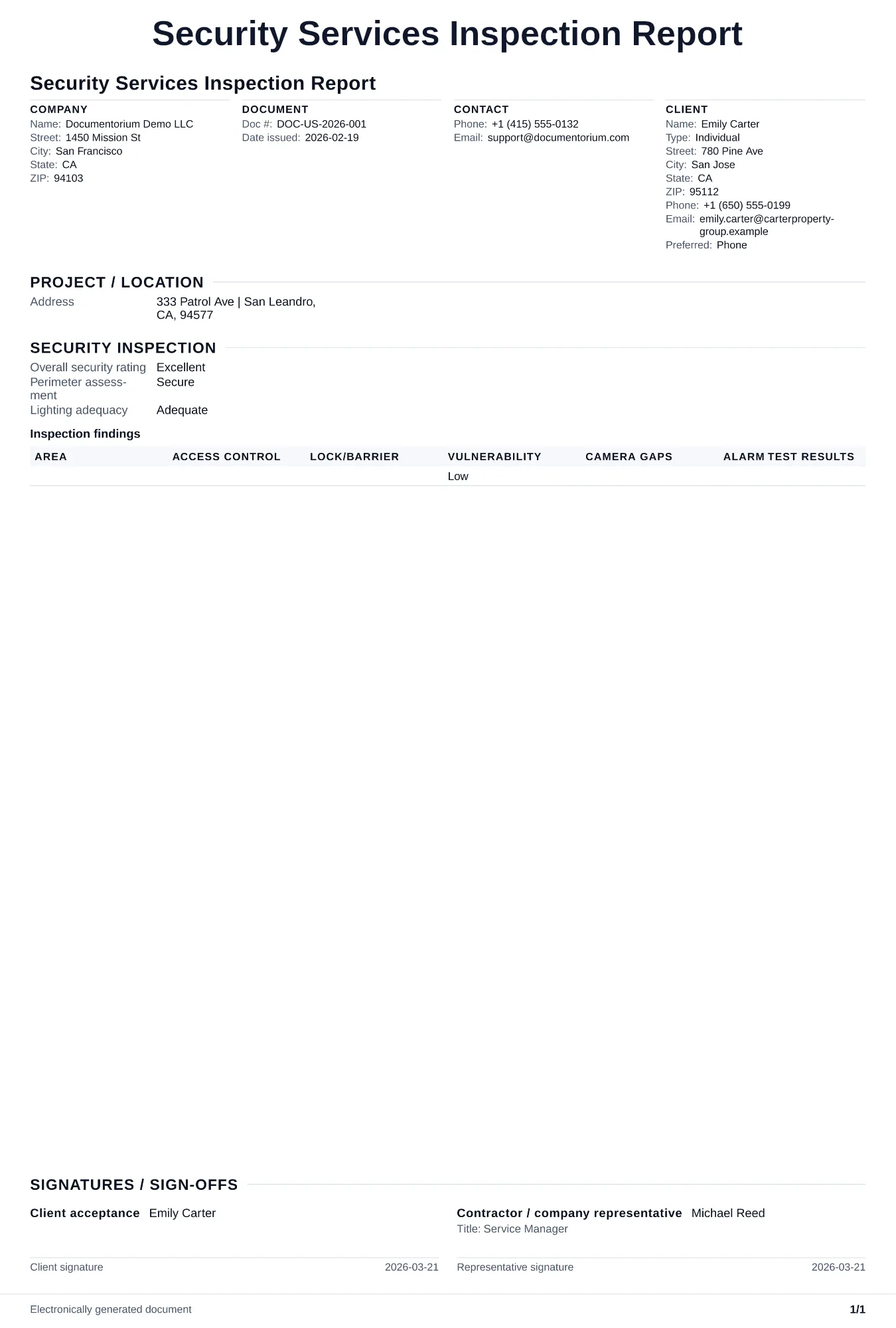
Record the inspected site areas, access points, equipment, observed conditions, findings, photos, and recommended follow-up in a security inspection PDF.
Complete and download the PDF before creating an account
When to use and what to include
Record inspection findings online, then generate a clear PDF report with documented outcomes. Use this after completing a security audit or site inspection to document vulnerabilities, assess current controls, and recommend specific improvements to the client.
What to include
- Site overview: property type, square footage, number of entry points, operating hours, and current security measures in place (guards, cameras, alarms, access control).
- Inspection checklist results covering perimeter security, lighting, door/window locks, access control systems, camera coverage and recording status, alarm functionality, and signage.
- Patrol route effectiveness: are checkpoints covering all high-risk areas, are patrol intervals adequate, and are guards using verification technology to confirm completion.
- Prioritized recommendations with estimated cost, implementation timeline, and the risk reduction each recommendation provides.
Common questions
- Can I save this Security Services Inspection Report for re-inspections and audits?
- Yes. With an account, save it so future inspections can compare findings and close out outstanding items.
- Can I export this Security Services Inspection Report as a formal PDF record?
- Yes. Download a clean PDF ready to share with clients or keep in your job files.
- How often should a security inspection be done?
- Set the inspection cadence from the service agreement, site risk assessment, insurer or authority requirements, and changes such as an incident, tenant turnover, or major property modification. Record the chosen frequency in the document.
- Who should receive the security inspection report?
- The property owner or authorized security manager only. Security reports detail vulnerabilities, so limit distribution and mark the document confidential.
- Can a security inspection reduce insurance premiums?
- Potentially. Some insurers offer discounts for documented security programs. Share the report with your insurance broker to see if improvements qualify for a rate reduction.
- How does an inspection report help the customer?
- It gives the customer a dated record of the conditions observed, supporting photos, recommended follow-up, and the inspector's sign-off. It should distinguish observations from work that still needs separate approval.
- What should I review before using the completed Security Services Inspection Report?
- Review the parties, job or property details, dates, amounts, notes, and signatures entered in the Security Services Inspection Report. Confirm that the PDF matches the underlying job or agreement and any legal, tax, technical, filing, or notice requirements that apply to the location.