Photography Contract / Agreement
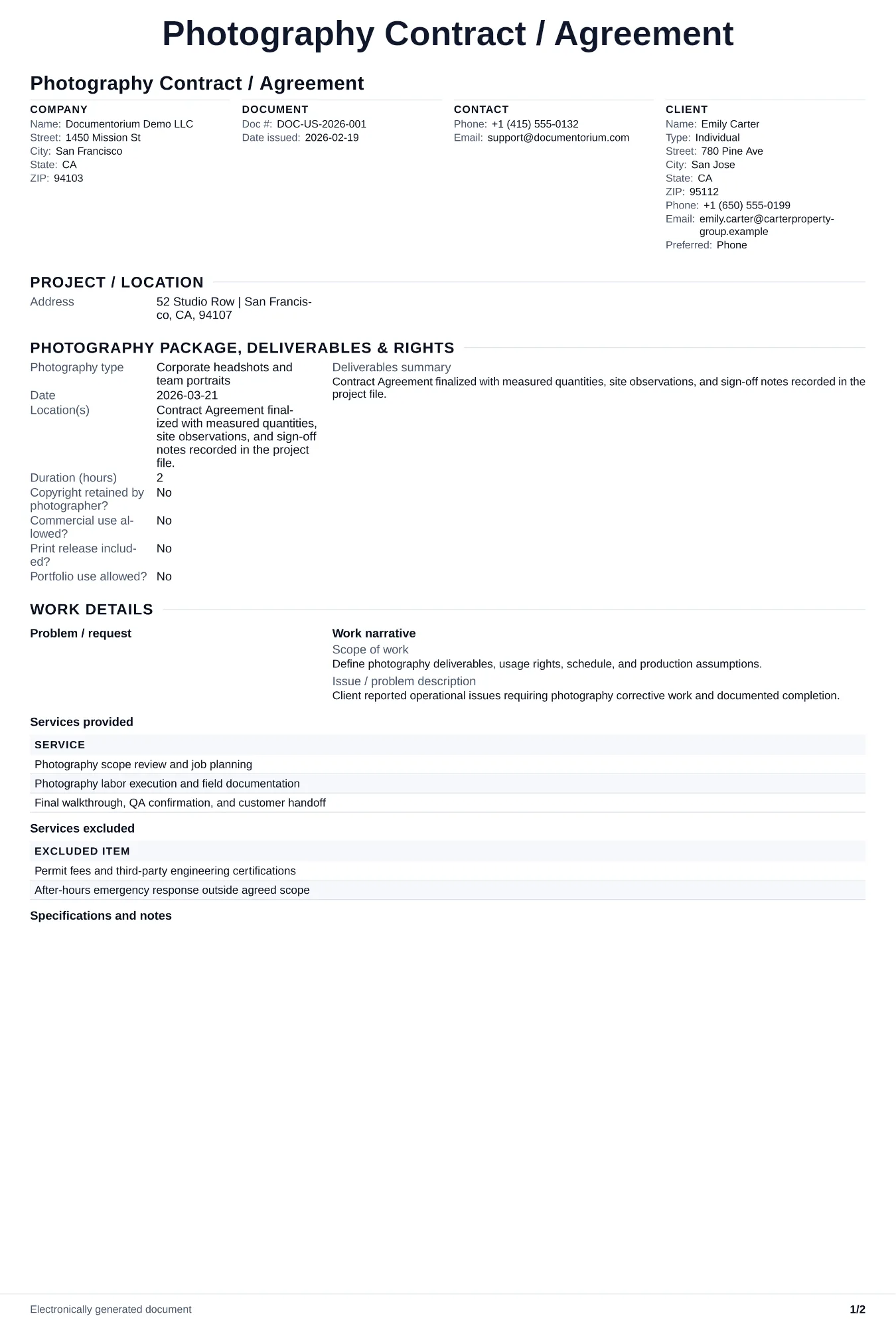
Draft photography terms for the session, deliverables, image use, editing, fees, deposits, cancellation, dates, and signatures, then generate a PDF.
Complete and download the PDF before creating an account
When to use and what to include
Draft photography contract terms in the guided form, then generate a PDF for review and signature. Record the session, hours, location, deliverables, usage rights, payment schedule, cancellation and rescheduling terms, delivery timeline, privacy choices, and signatures.
What to include
- Full scope of work: session type, date, location, number of hours, and exactly what the client receives (edited files, prints, albums).
- Payment terms with total price, deposit amount, payment schedule, accepted methods, and late-payment penalties.
- Cancellation, rescheduling, and force majeure terms including deposit forfeiture rules and rebooking windows.
Common questions
- Can I edit this Photography Contract / Agreement online before both parties sign?
- Yes. Revise the included work, payment terms, schedule, and other clauses in the guided form before downloading the final PDF.
- Can I save this Photography Contract / Agreement as a reusable contract baseline?
- Yes. With an account, save the contract in your history, edit it later, and reuse relevant party, job, and term details as a starting point.
- Can I generate a sign-ready PDF from this Photography Contract / Agreement?
- Yes. Export a clean contract PDF suitable for e-sign workflows or manual signatures.
- How should the contract handle editing rounds and delivery timeline?
- State the number and format of edited images, the delivery date, included revision rounds, selection process, and the price and timing for any additional edits.
- What should I review before using the completed Photography Contract / Agreement?
- Review the parties, job or property details, dates, amounts, notes, and signatures entered in the Photography Contract / Agreement. Confirm that the PDF matches the underlying job or agreement and any legal, tax, technical, filing, or notice requirements that apply to the location.