Junk Removal Work Order
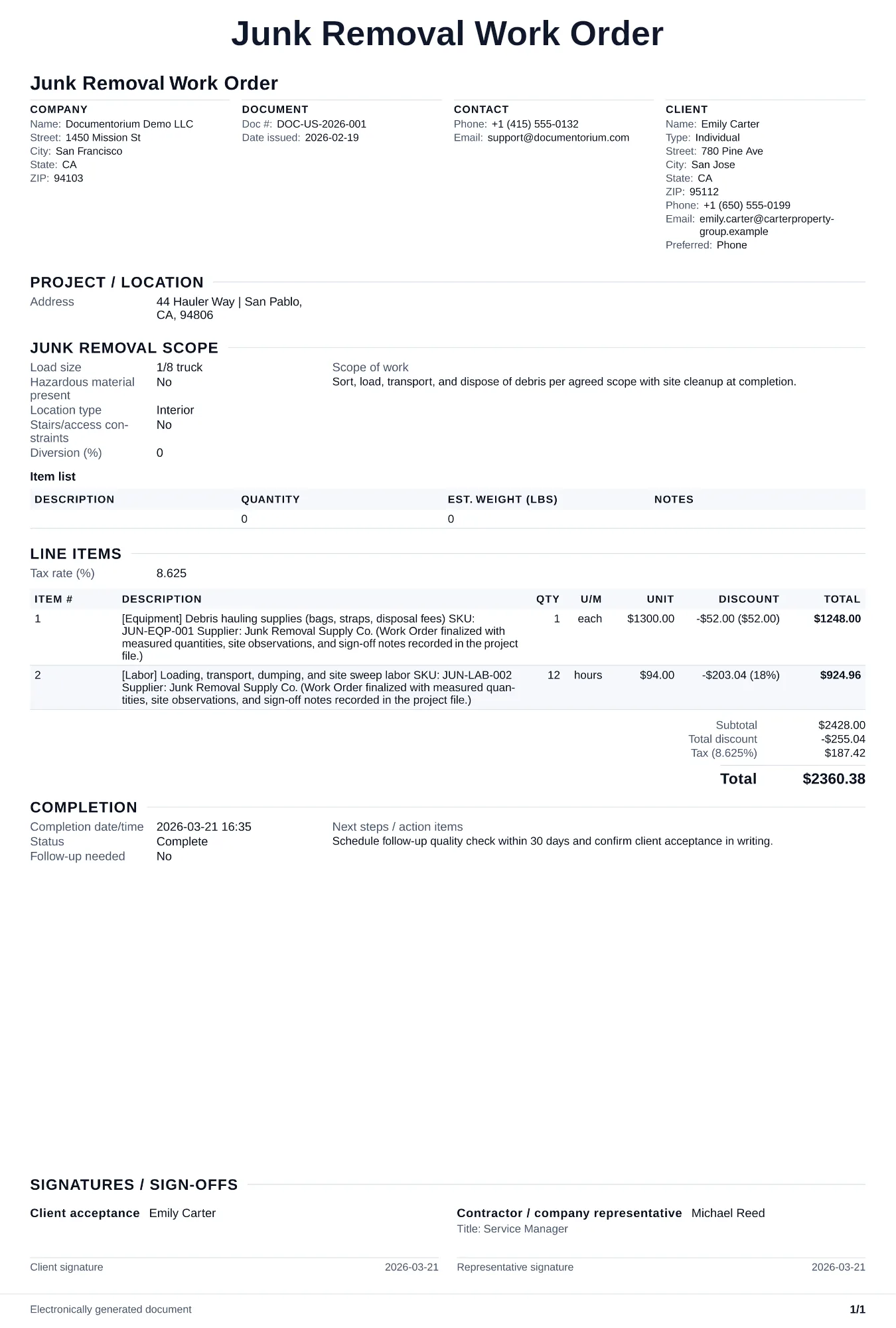
Prepare a junk-removal work order with the item list, load estimate, access and pickup instructions, crew and vehicle, sorting or disposal plan, restricted…
Complete and download the PDF before creating an account
When to use and what to include
Enter the approved pickup details online, then generate a work order PDF for the crew. Use it before the job to record the item list, access notes, vehicle requirements, handling instructions, and intended disposal destination.
What to include
- Job site address, on-site contact, arrival time, parking location for the truck, and access path from truck to items (stairs count, hallway width, elevator availability, carry distance in feet).
- Truck and equipment requirements: truck size (10-yard, 15-yard, 20-yard), number of trucks if multiple loads, dollies, hand trucks, furniture blankets, straps, and personal protective equipment.
- Disposal routing: which items go to the landfill, which to the recycling center (metals, electronics, cardboard), which to the donation drop-off, and addresses and hours for each disposal facility.
- Completion checklist: all listed items removed, area swept or broom-cleaned, no property damage (door frames, walls, floors checked), before-and-after photos taken, and customer sign-off.
Common questions
- Can I edit this Junk Removal Work Order before the pickup?
- Yes. Update the crew, site notes, materials, tasks, and schedule in the guided form before downloading the final PDF.
- Can I save this Junk Removal Work Order and reuse its details for similar jobs?
- Yes. With an account, save it in your history, edit it later, and reuse its job details as a starting point for similar work.
- Can I export this Junk Removal Work Order as a crew-ready PDF?
- Yes. Generate a PDF your team can open on-site or print for job folders.
- How do I handle items the customer adds on the day?
- Include a section on the work order for on-site additions with a per-item or per-volume surcharge. Have the crew call you to approve pricing before loading extras.
- How do I keep work orders easy to identify?
- Give each job a reference number and record its customer, work, assigned crew, planned date, status, and completion notes. With an account, you can save each PDF in your document history.
- Is a work order useful for a small job?
- It can be. A short work order records the requested tasks, price, planned date, assigned crew, and customer acknowledgment in one job document.
- What should I review before using the completed Junk Removal Work Order?
- Review the parties, job or property details, dates, amounts, notes, and signatures entered in the Junk Removal Work Order. Confirm that the PDF matches the underlying job or agreement and any legal, tax, technical, filing, or notice requirements that apply to the location.