Junk Removal Contract / Agreement
Draft junk-removal terms for accepted items, estimated volume, access, handling, intended destination, visit frequency, price, exclusions, and signatures…
Complete and download the PDF before creating an account
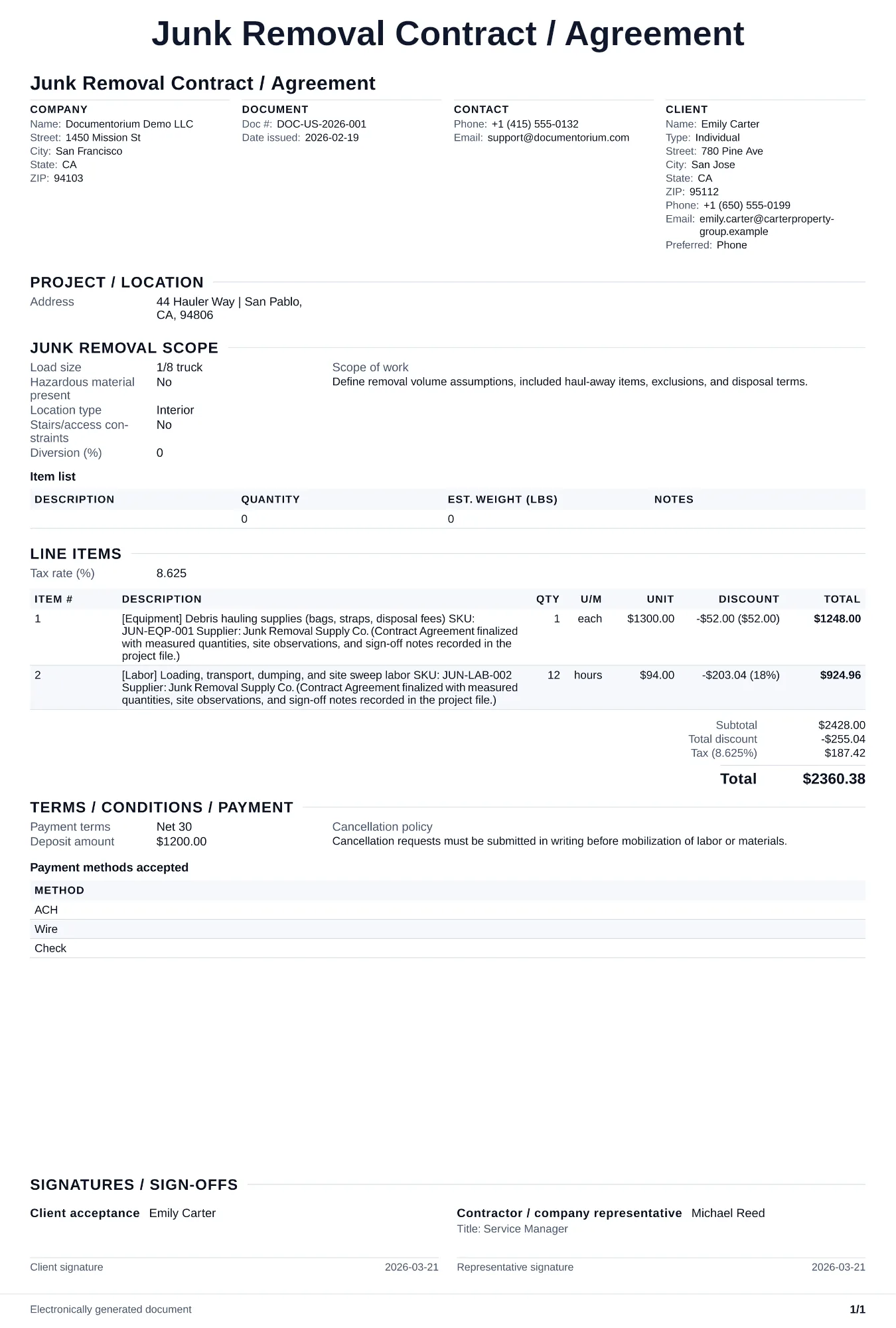
When to use and what to include
Draft contract terms online, then generate a clean PDF for review and signature. Use this for recurring junk removal service (e.
What to include
- Scope of work: item types accepted, volume per pickup in truck load fractions, estimated weight range, disposal method per category (landfill, recycling, donation, hazardous waste), and service frequency.
- Pricing: per-pickup rate by load fraction, weight overage surcharge per pound above the truck limit, heavy item surcharges (list specific items like hot tubs, concrete, pianos), and dump fee pass-through terms.
- The parties and contact details relevant to the document.
Common questions
- Can I edit this Junk Removal Contract / Agreement online before both parties sign?
- Yes. Revise the included work, payment terms, schedule, and other clauses in the guided form before downloading the final PDF.
- Can I save this Junk Removal Contract / Agreement as a reusable contract baseline?
- Yes. With an account, save the contract in your history, edit it later, and reuse relevant party, job, and term details as a starting point.
- Can I generate a sign-ready PDF from this Junk Removal Contract / Agreement?
- Yes. Export a clean contract PDF suitable for e-sign workflows or manual signatures.
- When do I need a contract versus a signed quote?
- Use a written contract when the recurring relationship, job scope, disposal risk, customer terms, or applicable law calls for one. For a one-time pickup, make sure the signed document still records the items, price, access, exclusions, disposal terms, and required notices.
- What should I review before using the completed Junk Removal Contract / Agreement?
- Review the parties, job or property details, dates, amounts, notes, and signatures entered in the Junk Removal Contract / Agreement. Confirm that the PDF matches the underlying job or agreement and any legal, tax, technical, filing, or notice requirements that apply to the location.