Work Request / Service Intake
Capture incoming service requests with client details, job location, scope of work notes, and initial sign-off before estimating or scheduling.
Complete and download the PDF before creating an account
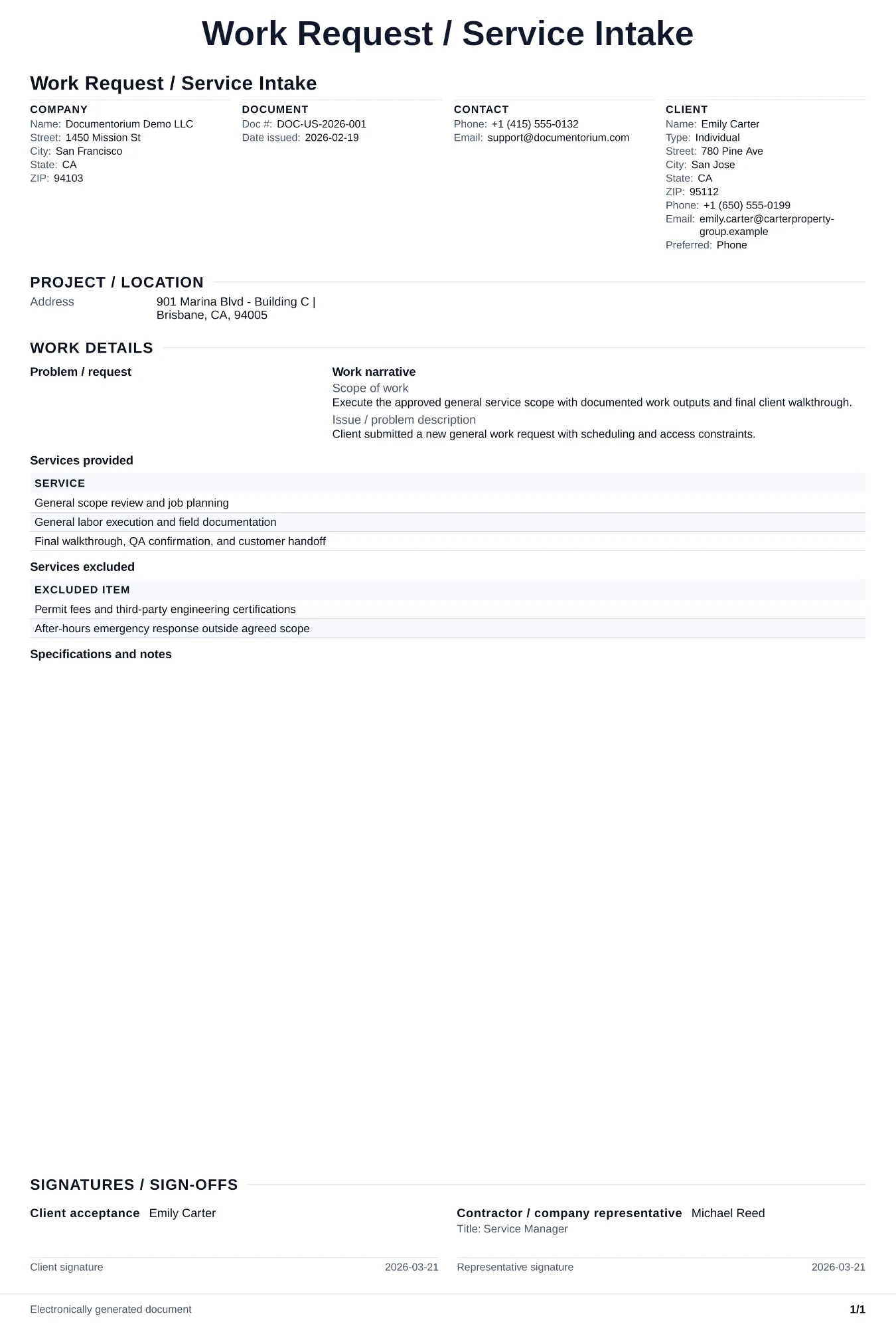
When to use and what to include
Capture incoming job details online, then generate an organized intake PDF for follow-up. Use this when a new customer first contacts you about a job, to capture the request details consistently before you decide whether to schedule a site visit, provide a phone estimate, or decline the work.
What to include
- Customer name, phone number, email, property address, and, if useful, the referral source the customer provides.
- Description of the problem or requested work in the customer's own words, including when it started, urgency level, and any relevant history (previous repairs, age of system).
- Property details relevant to the work: property type (residential, commercial), approximate square footage, access restrictions, gate codes, and pet/safety notes.
- Intake disposition: scheduled for site visit (with date), phone estimate given, referred to another trade, or declined with reason noted.
Common questions
- Can I fill this Work Request / Service Intake online while speaking with a lead?
- Yes. Record contact details, scope of work notes, and urgency in the guided form during intake calls.
- Can I save this Work Request / Service Intake and reuse intake structure across teams?
- Yes. With an account, save the intake document in your history, edit it later, and reuse relevant customer and job details as a starting point.
- Can I generate a handoff PDF from this Work Request / Service Intake?
- Yes. Export a clean PDF for the customer, field team, or job file.
- How much detail should I capture on the first call?
- Enough to decide your next step. Get the address, the problem description, the urgency, and the customer's availability. Save deep diagnosis for the site visit.
- Can I record how the customer found the business?
- Yes. Add a referral-source field if it is useful to your own records. The form records the response; it does not provide marketing analytics.
- What should I review before using the completed Work Request / Service Intake?
- Review the parties, job or property details, dates, amounts, notes, and signatures entered in the Work Request / Service Intake. Confirm that the PDF matches the underlying job or agreement and any legal, tax, technical, filing, or notice requirements that apply to the location.