Work Order
Turn approved work into a field-ready order with the customer and site, assigned tasks, crew, schedule, labor and materials, status, completion notes, and…
Complete and download the PDF before creating an account
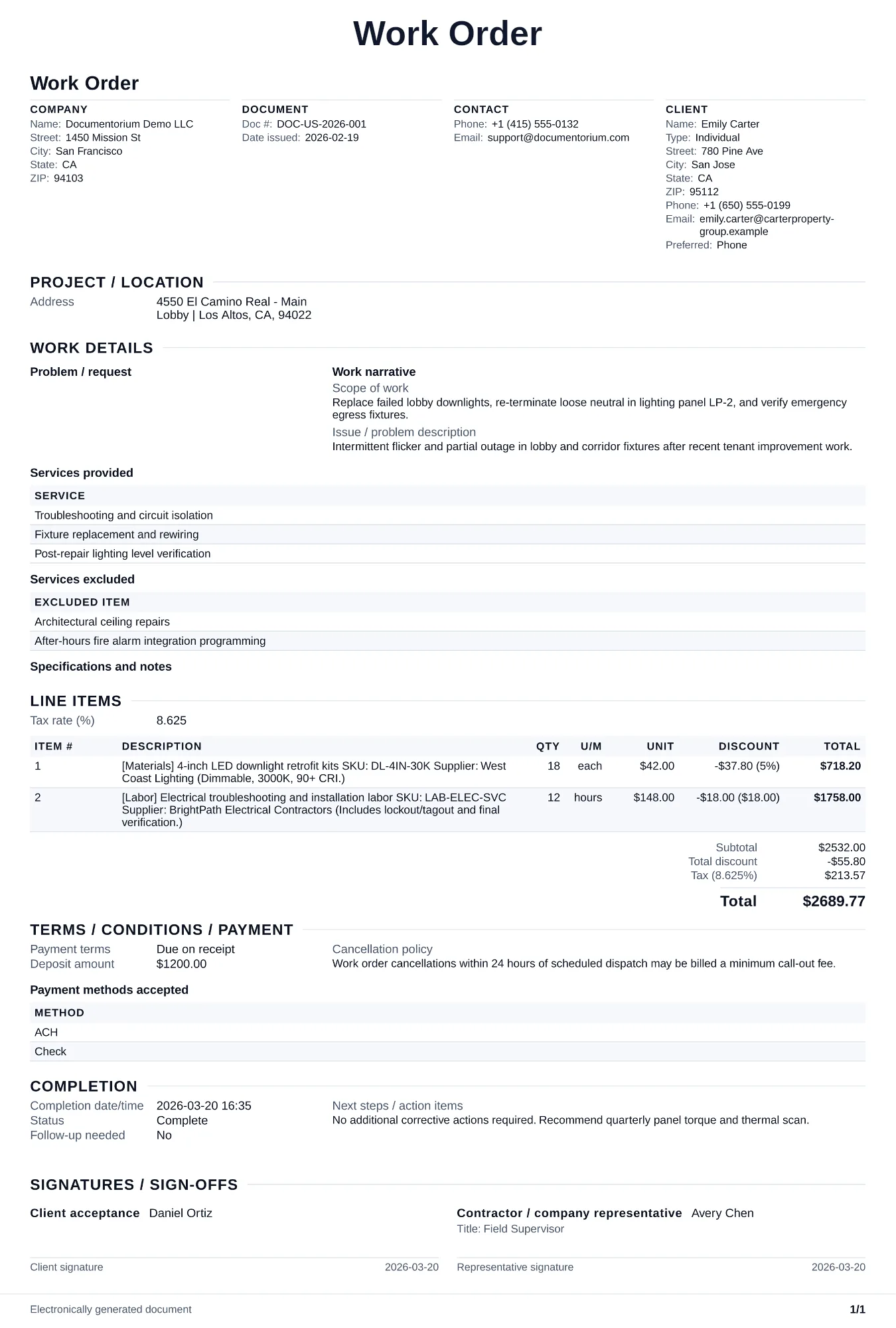
When to use and what to include
Enter the job details online, then generate a work order PDF for the field team. Use it after the customer approves the job and before work starts, so the team has the location, agreed tasks, materials, and instructions in one document.
What to include
- Work order number linked to the approved quote/contract and the exact service date window.
- Assigned crew members, arrival instructions, parking/access notes, and on-site contact details.
- Authorization notes for field changes (who can approve extra work and spending limits).
- Completion section with technician notes, actual labor/materials used, and customer sign-off.
Common questions
- Can I edit this Work Order before the job starts?
- Yes. Update the crew, site notes, materials, tasks, and schedule in the guided form before downloading the final PDF.
- Can I save this Work Order and reuse its details for similar jobs?
- Yes. With an account, save it in your history, edit it later, and reuse its job details as a starting point for similar work.
- Can I export this Work Order as a crew-ready PDF?
- Yes. Generate a PDF your team can open on-site or print for job folders.
- Can a technician change scope of work on site?
- Yes, but the work order should define who can approve changes and how to document added cost/time.
- Who should sign the work order?
- Record the technician and the customer or site representative when their acknowledgment is part of the job, plus any signer required by the contract or customer process.
- Should estimated and actual hours both be tracked?
- Yes. Estimated hours help planning; actual hours support billing accuracy and future pricing.
- How do I keep work orders easy to identify?
- Give each job a reference number and record its customer, work, assigned crew, planned date, status, and completion notes. With an account, you can save each PDF in your document history.
- Is a work order useful for a small job?
- It can be. A short work order records the requested tasks, price, planned date, assigned crew, and customer acknowledgment in one job document.