Service Report
Record the reported issue, diagnostic findings, readings, work performed, labor, parts or services delivered, post-work checks, customer notes, and follow-up…
Complete and download the PDF before creating an account
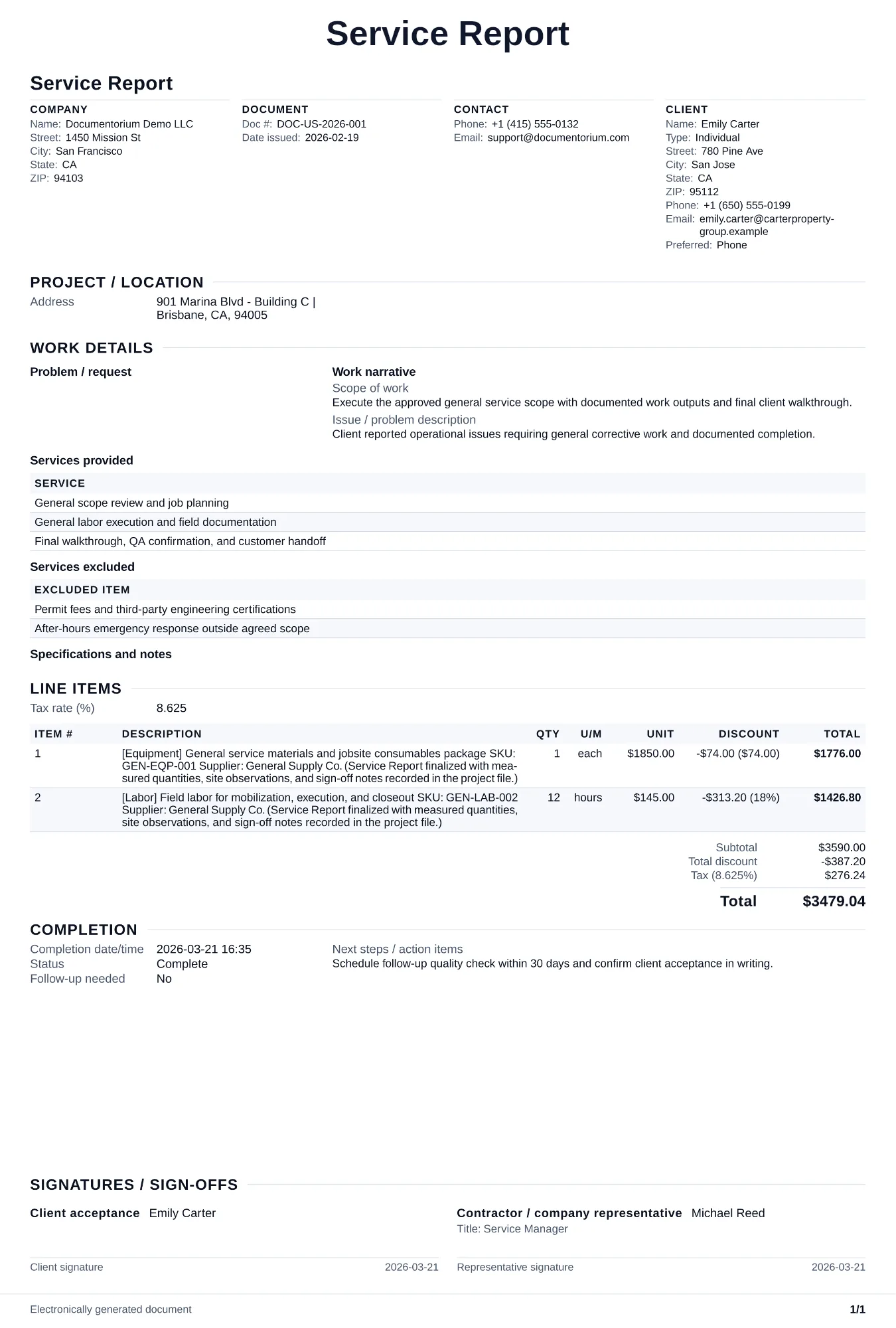
When to use and what to include
Document completed work online, then generate a service report PDF for records and client handoff. Use this immediately after a service visit to record what was found, what was fixed, and what still needs action.
What to include
- Visit timeline (arrival/departure), who was present, and reason for service call.
- Work completed with parts used, including part numbers/serials when relevant.
- Open issues, risk level, and clear next-step recommendations with target timeframe.
- Customer acknowledgment and attachments list (photos, readings, or test results).
Common questions
- Can I save this Service Report to maintain service history?
- Yes. With an account, save each report so repeat visits have context and your team can reference prior work.
- How is a service report different from a work order?
- A work order tells the team what to do. A service report records what actually happened during and after the visit.
- Why should I write a report after every service call?
- Service reports create a dated history of work, parts, readings, observations, and follow-up. On a repeat visit, the technician can compare the current condition with the prior record.
- How can a service report support follow-up work?
- Record the observed condition, recommended next step, priority, and suggested timing. This gives the customer a clear plan and creates a reliable reference for the next visit.
- What should I review before using the completed Service Report?
- Review the parties, job or property details, dates, amounts, notes, and signatures entered in the Service Report. Confirm that the PDF matches the underlying job or agreement and any legal, tax, technical, filing, or notice requirements that apply to the location.