Quote / Estimate
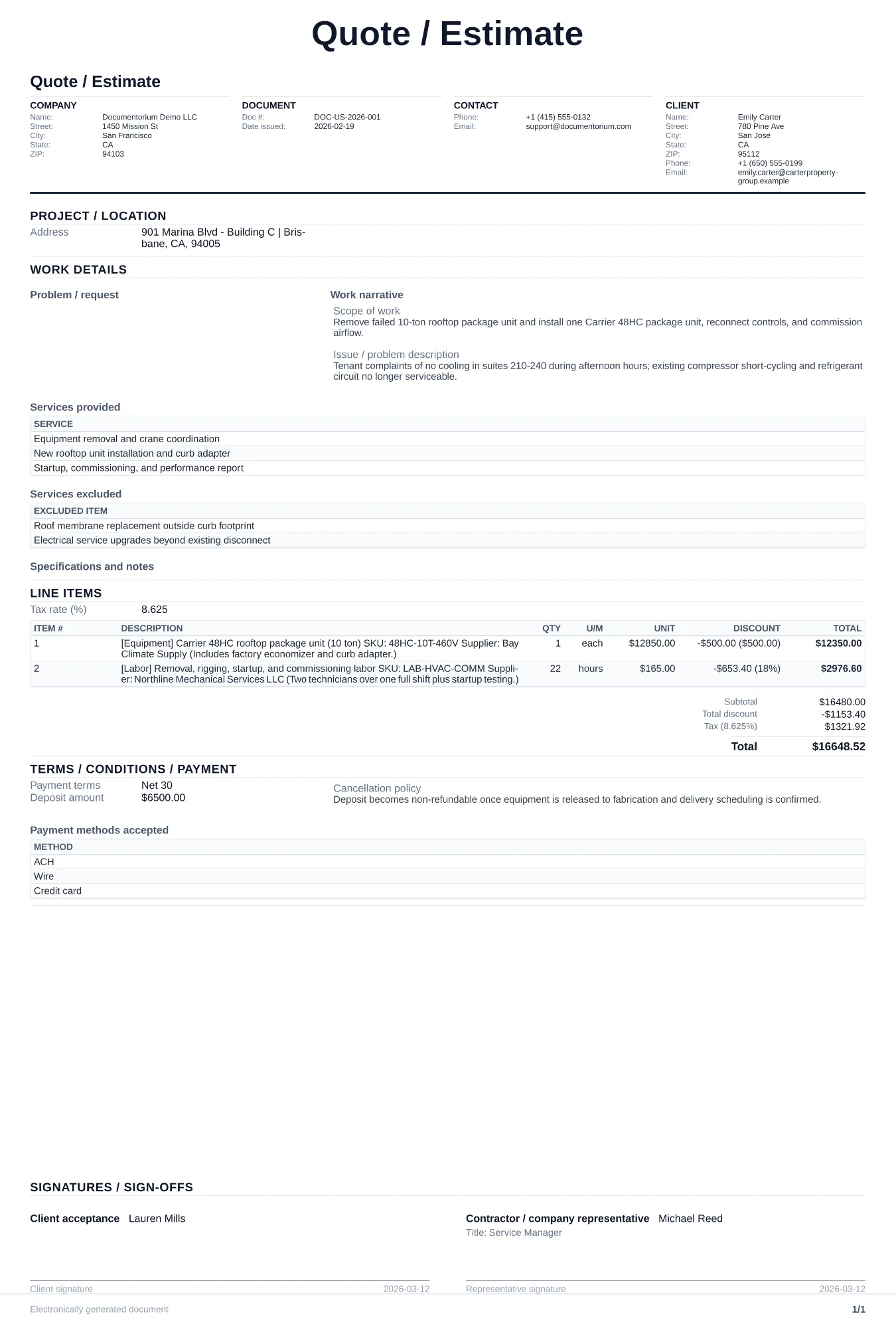
Prepare an itemized estimate with the customer and job site, proposed work, quantities, labor, materials, taxes entered, assumptions, schedule, and totals for…
Complete and download the PDF before creating an account
When to use and what to include
Build and revise pricing online, then generate a client-ready quote PDF. Use this before work starts, after your site call or intake call, when a customer asks for exact pricing and scope of work in writing.
What to include
- Detailed scope of work line by line: task description, quantity, unit price, labor hours, and material cost for each item.
- Assumptions and exclusions: permit responsibility, site readiness requirements, and what is not included in the price.
- Pricing summary with subtotal, discount, tax, deposit amount, and final total due.
- Quote validity date and acceptance section (signature, printed name, and acceptance date).
Common questions
- Can I build and revise this Quote / Estimate online before sending it?
- Yes. Update scope of work, quantities, labor, and totals in your browser, then generate a polished Quote / Estimate PDF.
- Can I save this Quote / Estimate and reuse it for similar jobs?
- Yes. With an account, save the estimate in your history, edit it later, and reuse relevant line items and job details for similar work.
- Can I export this Quote / Estimate with finalized pricing and terms?
- Yes. Download a clean PDF with the final scope of work, line items, totals, terms, and customer details ready to send.
- What is the difference between a quote and an invoice?
- A quote is a proposed price before work begins. An invoice is the final bill after work is completed.
- How long should a quote stay valid?
- Set a validity date that reflects current material prices, supplier lead times, workload, and the customer's decision window, and state what happens after it expires.
- Should I include optional add-ons in the same quote?
- Yes. Add an "optional" section so the customer can approve core work first and add upgrades separately.
- How do I make my estimates look professional?
- Add your company details, itemized labor and materials, totals, schedule, and terms so the customer can review the full estimate in one PDF.
- Should I email or text my estimates?
- Download the formatted PDF and send it by email or message so the customer can open, print, and keep the complete job details.