Near-Miss Report
Record the near-miss event, conditions, contributing factors, immediate response, corrective actions, owners, and review sign-off in a PDF.
Complete and download the PDF before creating an account
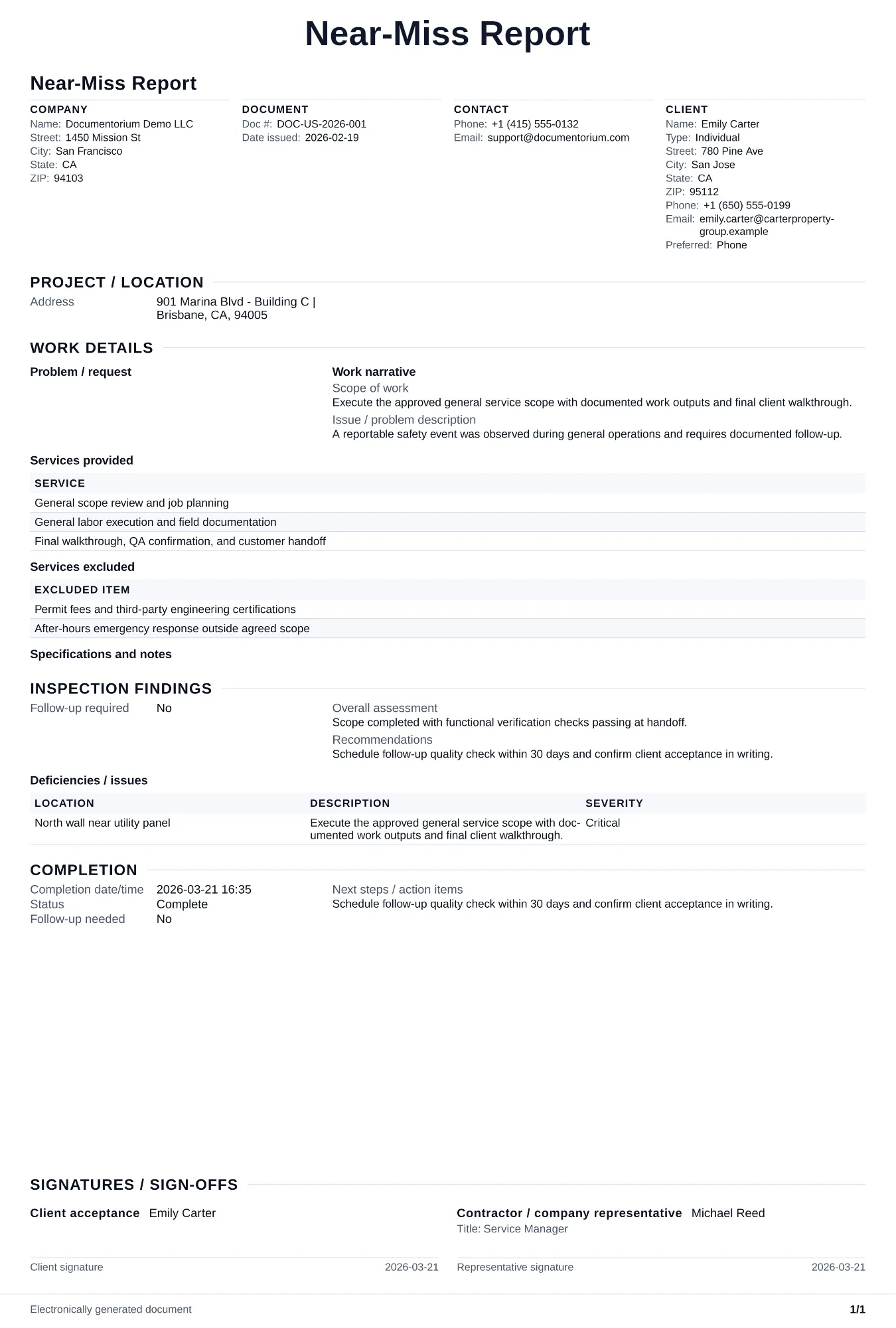
When to use and what to include
Capture event details online, then generate an incident record PDF for follow-up and reporting. Use this when a dangerous event occurs but no one is injured and no property is damaged, to document the hazard and fix it before it causes an actual incident on this job or a future one.
What to include
- Date, time, location, and a description of the near-miss event: what almost happened, who was in the area, and what prevented it from becoming an injury or damage.
- Hazard identification: the specific unsafe condition or unsafe act that created the near-miss, and whether it was previously identified in the job hazard analysis.
- Contributing factors: environmental conditions (weather, lighting, noise), task factors (rushing, fatigue, unfamiliar procedure), and equipment factors (malfunction, missing guard, wrong tool).
- Corrective actions recommended and implemented: immediate fixes applied on site, longer-term changes to procedures or equipment, and who is responsible for each action with a deadline.
- Reporter name, date, and supervisor review signature confirming the report was received, corrective actions are assigned, and the findings will be shared with the full crew.
Common questions
- Can I document this Near-Miss Report online immediately after an event?
- Yes. Record timeline, parties involved, and observed conditions while facts are still accurate.
- Can I save this Near-Miss Report for investigation and corrective-action tracking?
- Yes. With an account, save and revisit the report as root cause and corrective actions are finalized.
- How can I encourage the crew to report near misses?
- Use a learning-focused reporting process with simple forms, prompt review, and visible corrective actions. Crews participate more consistently when reports lead to practical safety improvements.
- How is a near-miss report different from an incident report?
- An incident report records an event with injury or damage. A near-miss report records an event with the potential for harm, so the team can take corrective action early.
- Should I share near-miss reports with my whole crew?
- Yes. Review near misses in your toolbox talks. When the crew sees that reporting leads to real fixes, they report more hazards and the job site gets safer.
- What should I review before using the completed Near-Miss Report?
- Review the parties, job or property details, dates, amounts, notes, and signatures entered in the Near-Miss Report. Confirm that the PDF matches the underlying job or agreement and any legal, tax, technical, filing, or notice requirements that apply to the location.