Contract / Agreement
Record the parties, included and excluded work, responsibilities, contract price, payment milestones, dates, change process, acceptance conditions, and…
Complete and download the PDF before creating an account
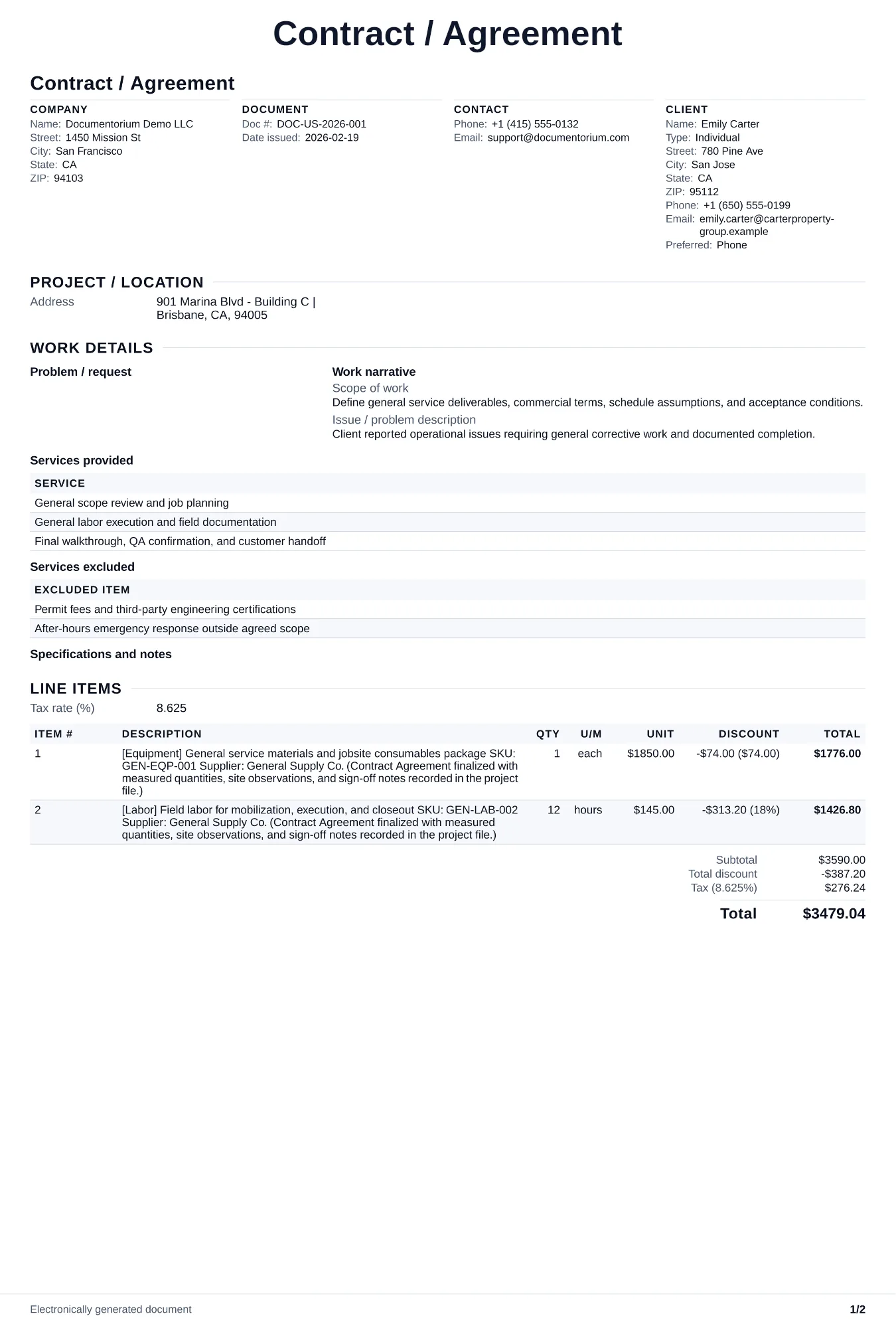
When to use and what to include
Draft contract terms in the guided form, then generate a clean PDF for review and signature. Before work begins, record the included and excluded work, price and payment schedule, dates, responsibilities, change process, and agreed signature fields.
What to include
- Complete scope of work referencing the accepted proposal or quote, with explicit exclusions stating what is not covered under this contract.
- Payment terms: total contract price, deposit amount, progress payment schedule tied to milestones, final payment due date, and late payment penalties.
- Project timeline with start date, milestone dates, substantial completion date, and conditions that allow schedule extensions (weather, permit delays, client-caused delays).
Common questions
- Can I edit this Contract / Agreement online before both parties sign?
- Yes. Revise the included work, payment terms, schedule, and other clauses in the guided form before downloading the final PDF.
- Can I save this Contract / Agreement as a reusable contract baseline?
- Yes. With an account, save the contract in your history, edit it later, and reuse relevant party, job, and term details as a starting point.
- Can I generate a sign-ready PDF from this Contract / Agreement?
- Yes. Export a clean contract PDF suitable for e-sign workflows or manual signatures.
- What should I review before using the completed Contract / Agreement?
- Review the parties, job or property details, dates, amounts, notes, and signatures entered in the Contract / Agreement. Confirm that the PDF matches the underlying job or agreement and any legal, tax, technical, filing, or notice requirements that apply to the location.