Completion Certificate / Customer Sign-Off
Record substantial completion, acceptance notes, outstanding items, and client sign-off to anchor closeout and payment.. Create this document online — fill in…
Complete and download the PDF before creating an account
When to use and what to include
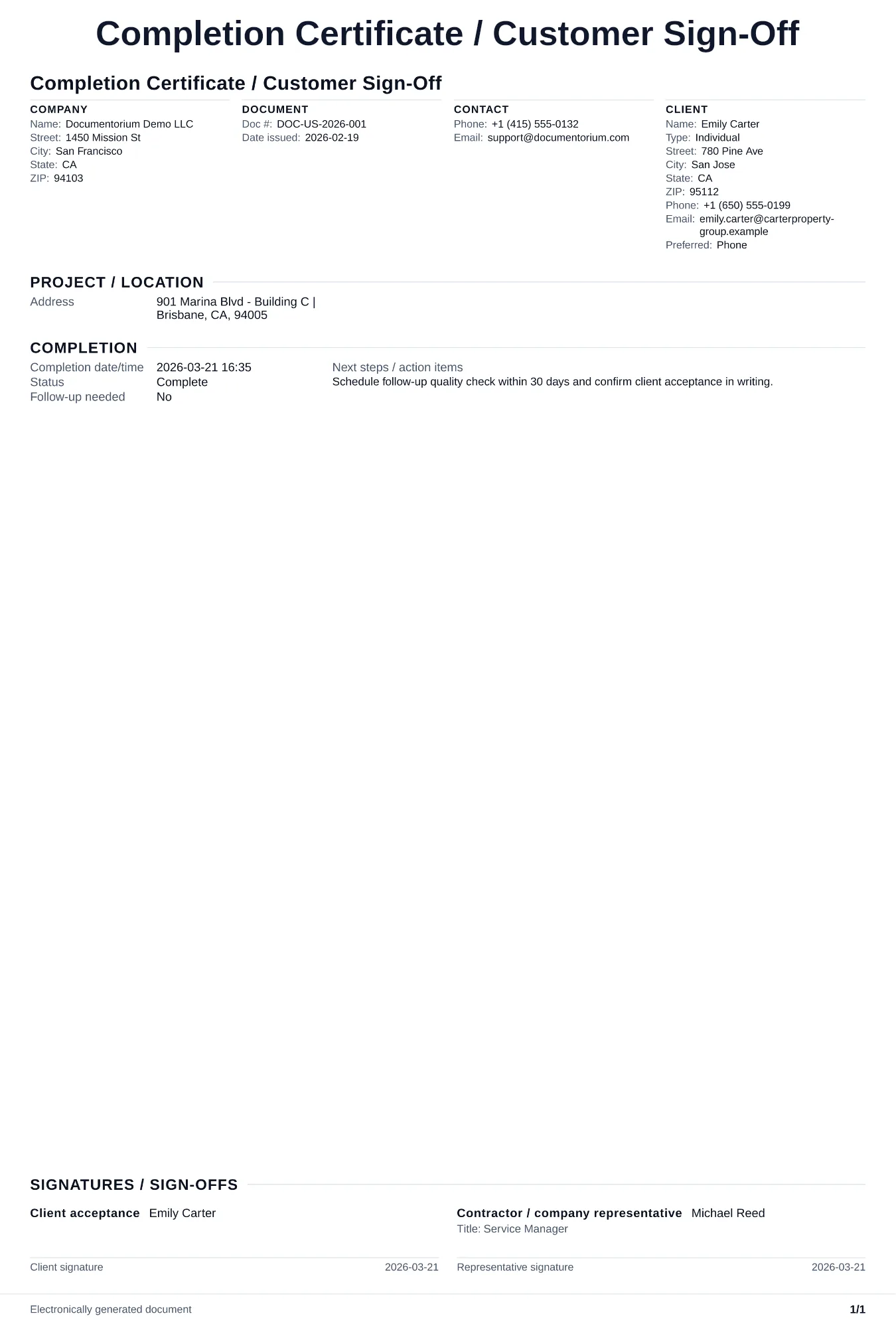
Record completion and walkthrough details, then generate a customer sign-off PDF. List the completed work, approved changes, outstanding items, documents delivered, customer comments, and the names, dates, and signatures supplied at closeout.
What to include
- Project name, contract number, completion date, and a statement that all work described in the contract and any approved change orders has been completed.
- Final walkthrough checklist: each major scope of work item listed with a confirmed-complete checkbox, reviewed jointly by the contractor and the client on site.
- Closeout documents delivered to the client, such as warranties, equipment manuals, as-built drawings, permit closeout letters, and maintenance instructions.
- Signature blocks for both the client and the contractor, with printed names, date, and a statement that the client accepts the work and authorizes release of final payment and retainage.
Common questions
- Can I finalize this Completion Certificate / Customer Sign-Off online at project closeout?
- Yes. Capture completion notes, acceptance items, and sign-off details in the guided form.
- Can I save this Completion Certificate / Customer Sign-Off for repeat closeout processes?
- Yes. With an account, save and reuse it so every job closes out with the same documentation standard.
- Can I generate a signed closeout PDF from this Completion Certificate / Customer Sign-Off?
- Yes. Export a completion PDF for customer files, warranty start, and internal archiving.
- How does the completion certificate connect to the warranty?
- The completion certificate confirms handoff, while the warranty follows the coverage and term defined in the contract, often starting at sign-off.
- Should I do a walkthrough before asking for sign-off?
- Review the completed work and open items with the customer before sign-off. Record any exceptions, responsible party, due date, and whether final acceptance is conditional.
- What should I review before using the completed Completion Certificate / Customer Sign-Off?
- Review the parties, job or property details, dates, amounts, notes, and signatures entered in the Completion Certificate / Customer Sign-Off. Confirm that the PDF matches the underlying job or agreement and any legal, tax, technical, filing, or notice requirements that apply to the location.