Certificate of Insurance Request / Proof of Coverage
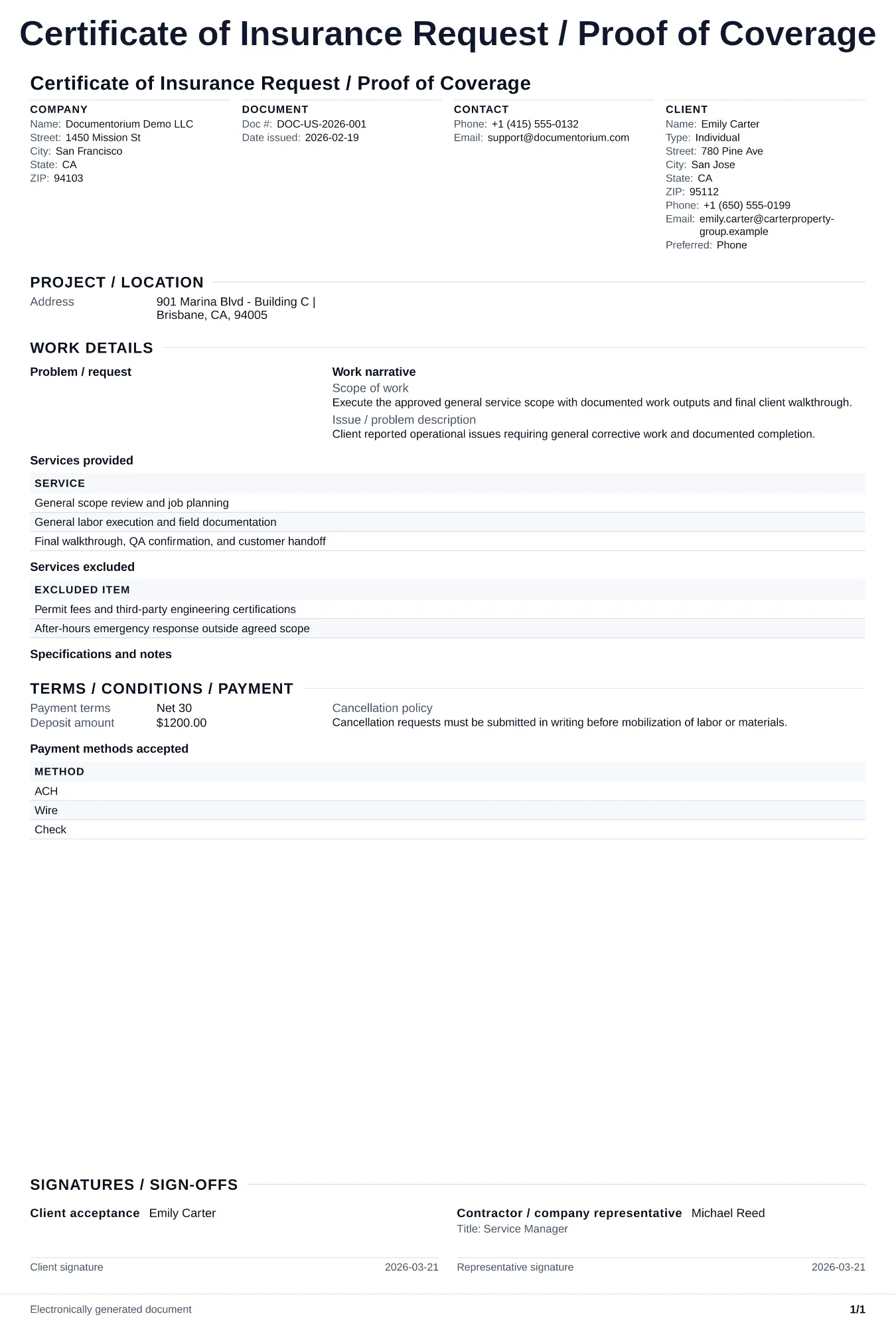
Prepare a PDF request that identifies the parties, project, requested insurance evidence, certificate recipient, and delivery contact; the request does not…
Complete and download the PDF before creating an account
When to use and what to include
Record an insurance-certificate request online, then generate a PDF for the contractor, customer, insurer, or agent. Use it to identify the parties, project, requested evidence, and delivery contact; the request itself does not issue coverage or change a policy.
What to include
- The insured business, requesting party, project or contract reference, and the property or job location tied to the request.
- The requested certificate holder and any additional-insured or endorsement wording supplied for the insurer or authorized agent to review.
- The delivery recipient, email or mailing details, requested date, policy types or limits being requested, and an insurer or agent contact.
Common questions
- Does this document itself provide insurance coverage?
- No. It records a request for evidence of coverage. Only the insurer or authorized agent can issue the certificate or endorsement, and the policy controls the actual coverage.
- What details should I give the insurer or agent?
- Include the insured business, requesting party, project or contract reference, requested certificate holder, delivery contact, and any endorsement language supplied by the requesting party. Confirm timing and fees directly with the insurer or agent.
- What should I review before using the completed Certificate of Insurance Request / Proof of Coverage?
- Review the parties, job or property details, dates, amounts, notes, and signatures entered in the Certificate of Insurance Request / Proof of Coverage. Confirm that the PDF matches the underlying job or agreement and any legal, tax, technical, filing, or notice requirements that apply to the location.