Facilities Work Order
Turn approved work into a field-ready work order with tasks, materials, schedule details, and completion sign-off. Covers maintenance/inspection tasks…
Complete and download the PDF before creating an account
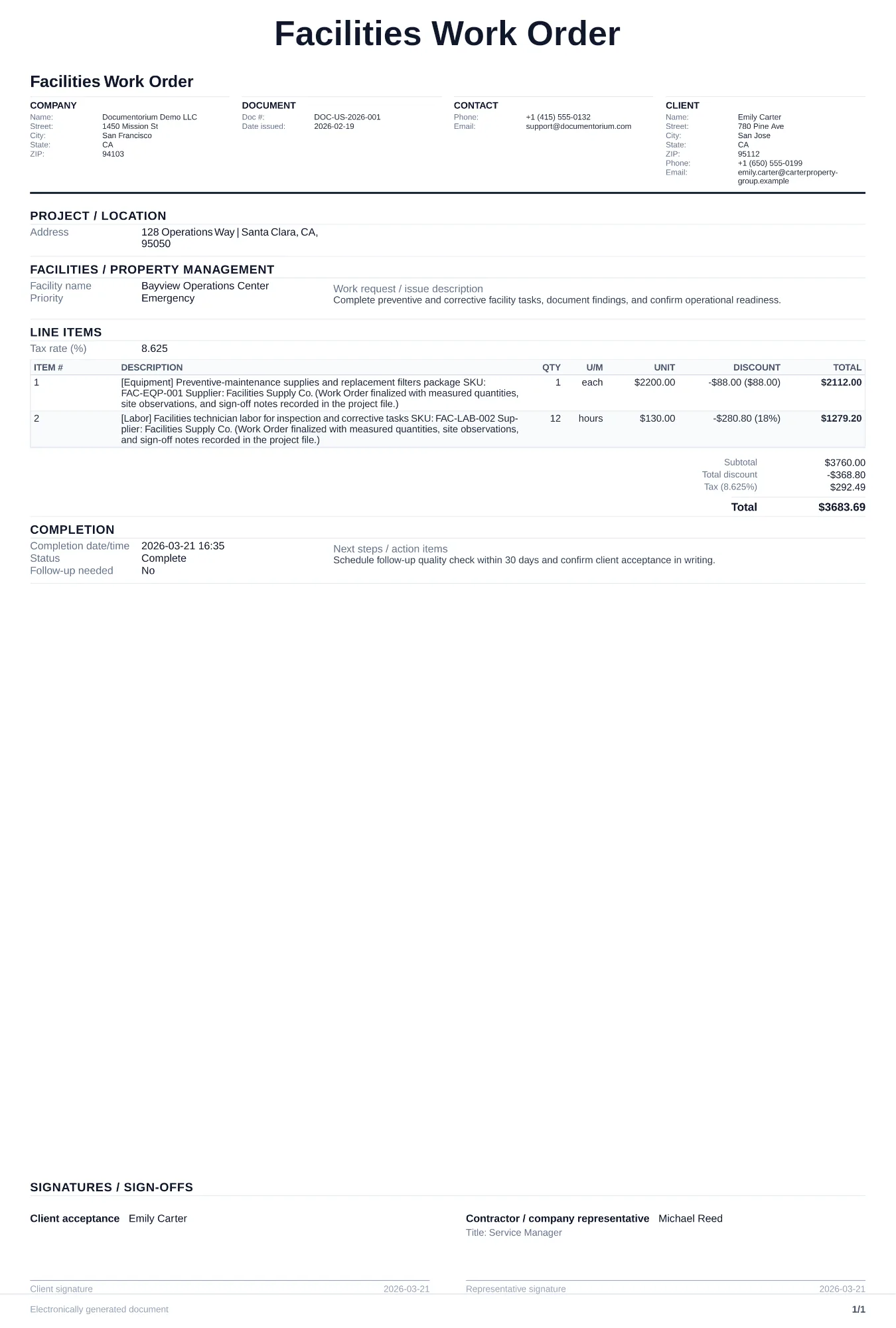
When to use and what to include
Enter a specific building-maintenance or repair task online, then generate a work order PDF for the technician. Record the location, asset, priority, assigned person, required work, planned date, access notes, and completion details.
What to include
- Building name, floor/zone, room number, and the specific system or asset affected (HVAC unit ID, elevator number, roof section).
- Problem description with urgency level (emergency, urgent, routine) and any tenant or occupant impact.
- Parts, materials, and tools anticipated, including whether items need to be ordered or are in on-site inventory.
- Safety and access instructions supplied for the task, such as required lockout/tagout procedures, hot-work authorization, hazardous-material precautions, or after-hours access.
Common questions
- Can I edit this Facilities Work Order before the visit?
- Yes. Update the crew, site notes, materials, tasks, and schedule in the guided form before downloading the final PDF.
- Can I save this Facilities Work Order and reuse its details for similar jobs?
- Yes. With an account, save it in your history, edit it later, and reuse its job details as a starting point for similar work.
- Can I export this Facilities Work Order as a crew-ready PDF?
- Yes. Generate a PDF your team can open on-site or print for job folders.
- How is a facilities work order different from a maintenance request?
- A maintenance request records the issue reported by a tenant or staff member. A work order records the authorized task, assignment, planned date, status, completed work, and sign-off.
- Should every work order reference the building system it affects?
- Yes. Recording the system or asset makes each work order clearer and helps you compare saved records manually. The document does not monitor assets or create a maintenance schedule.
- How do I prioritize competing work orders?
- Use the priority definitions and escalation process established for the property. Record the observed hazard or impact, requested response time, assigned contact, and any immediate controls without inventing a universal deadline.
- Do I need sign-off when the work is complete?
- Yes. The technician should confirm completion and the requester or building manager should verify the issue is resolved before closing the work order.
- How do I keep work orders easy to identify?
- Give each job a reference number and record its customer, work, assigned crew, planned date, status, and completion notes. With an account, you can save each PDF in your document history.
- Is a work order useful for a small job?
- It can be. A short work order records the requested tasks, price, planned date, assigned crew, and customer acknowledgment in one job document.