Electrical Contract
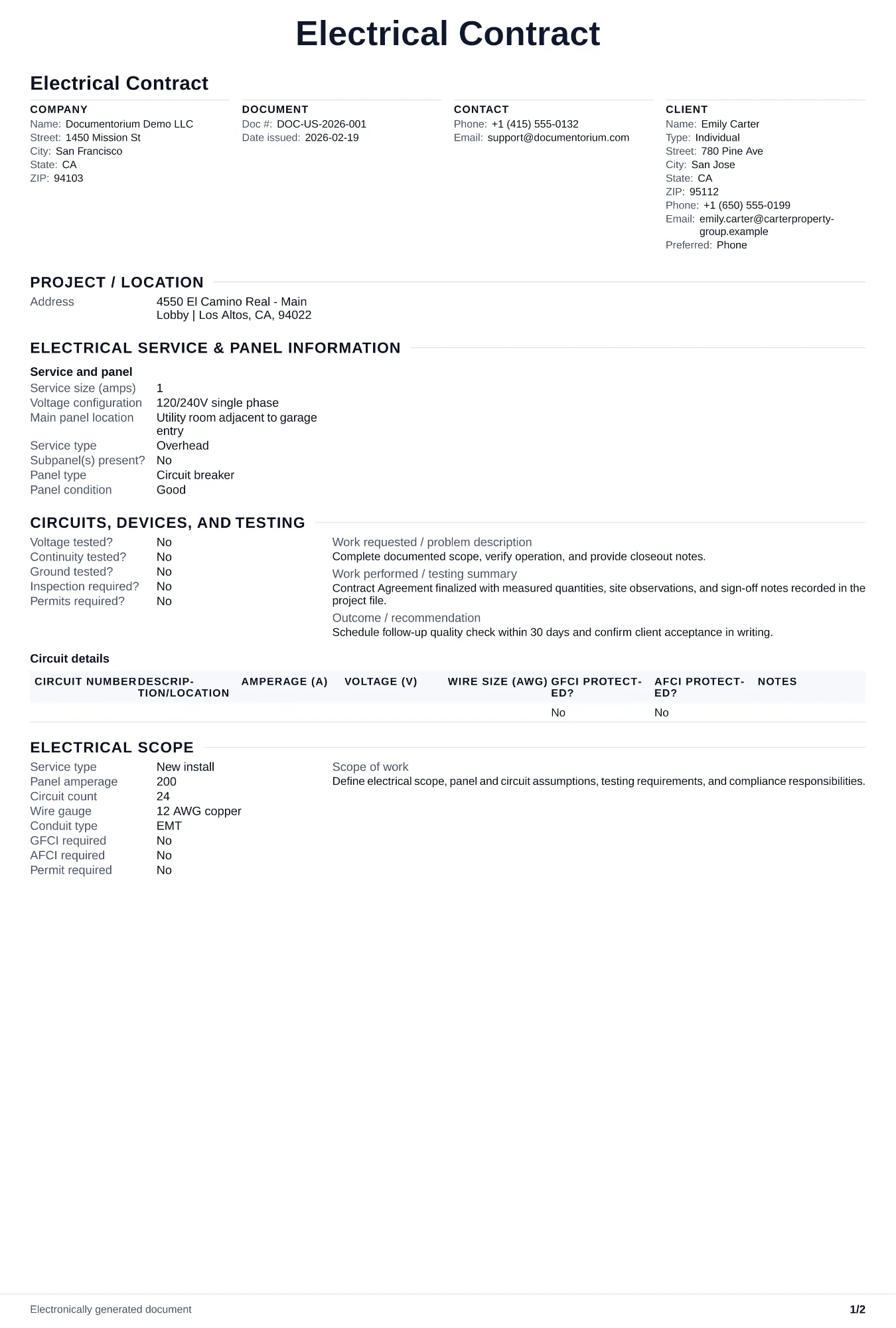
Draft electrical contract terms for the agreed circuits or equipment, materials, price, milestones, responsibilities, changes, and signatures, then generate a…
Complete and download the PDF before creating an account
When to use and what to include
Draft contract terms online, then generate a clean PDF for review and signature. Use it after the customer accepts the quote or bid to record the electrical work, price, payment terms, responsibilities, changes, and signatures before work starts.
What to include
- Complete scope of work: circuits to install (amperage, gauge, device type), panel specifications, conduit runs, and any specialty systems — each item referenced to the approved quote or bid.
- Payment terms tied to milestones: deposit before material procurement, progress at rough-in inspection approval, and final balance at trim-out or certificate of occupancy.
- Warranty terms actually offered or required: period, start date, covered workmanship, exclusions, claim process, and separate manufacturer coverage for panels, fixtures, and devices.
Common questions
- Can I edit this Electrical Contract online before both parties sign?
- Yes. Revise the included work, payment terms, schedule, and other clauses in the guided form before downloading the final PDF.
- Can I save this Electrical Contract as a reusable contract baseline?
- Yes. With an account, save the contract in your history, edit it later, and reuse relevant party, job, and term details as a starting point.
- Can I generate a sign-ready PDF from this Electrical Contract?
- Yes. Export a clean contract PDF suitable for e-sign workflows or manual signatures.
- How do I handle time-and-material extras?
- Include a T&M rate in the contract and require written approval before any extra work begins. Cap T&M at a stated percentage of the original contract.
- What should I review before using the completed Electrical Contract?
- Review the parties, job or property details, dates, amounts, notes, and signatures entered in the Electrical Contract. Confirm that the PDF matches the underlying job or agreement and any legal, tax, technical, filing, or notice requirements that apply to the location.