Drywall Work Order
Prepare a drywall work order with areas and quantities, board and finish specifications, preparation, hanging and finishing tasks, crew, materials, schedule…
Complete and download the PDF before creating an account
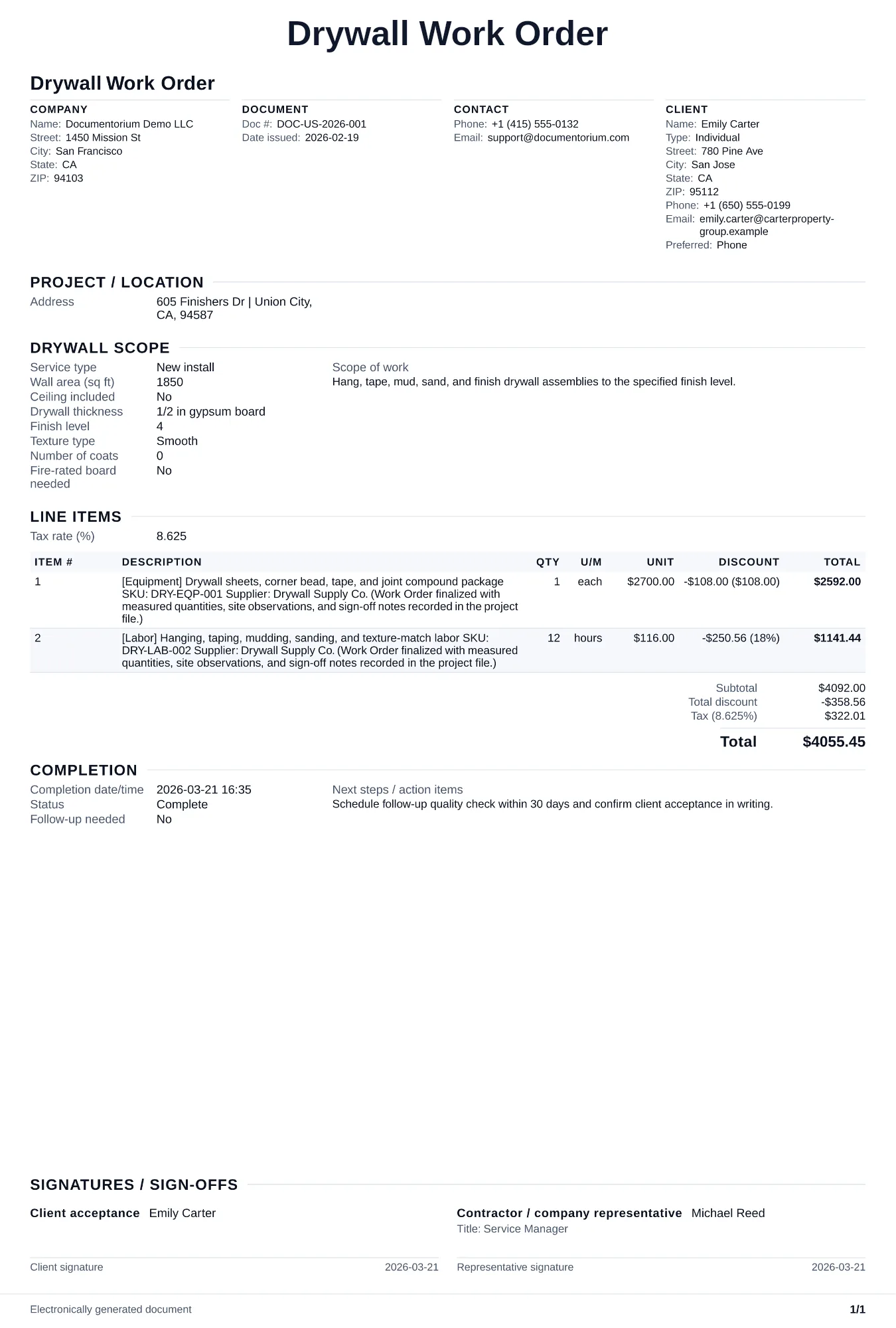
When to use and what to include
Enter the approved job details online, then generate a work order PDF for the crew. Use it before work starts to record room-by-room specifications, board counts, finish levels, material quantities, and site notes.
What to include
- Job site address, access details, on-site contact, and staging area for material delivery (driveway, garage, inside room).
- Room-by-room board schedule: number of sheets per room, sheet size (4x8, 4x10, 4x12), board type (standard, Type X, green board), and thickness (1/2-inch, 5/8-inch), with total sheet count and waste factor.
- Finish instructions per room: specified finish level, coating and lighting conditions, product system, required application and sanding steps, texture if applicable, mockup or acceptance process, and governing project reference.
- Material quantities: joint compound (buckets of premixed or bags of hot mud by setting time), paper tape or mesh tape, corner bead type and linear feet, drywall screws (coarse thread 1-1/4 inch for wood framing, fine thread for steel studs), and sanding screens.
- Task sequence and timeline: Day 1 hang boards, Day 2 tape and first coat, Day 3 second coat, Day 4 third coat and sand, Day 5 texture and cleanup, with dry time between coats noted.
Common questions
- Can I edit this Drywall Work Order before work starts?
- Yes. Update the crew, site notes, materials, tasks, and schedule in the guided form before downloading the final PDF.
- Can I save this Drywall Work Order and reuse its details for similar jobs?
- Yes. With an account, save it in your history, edit it later, and reuse its job details as a starting point for similar work.
- Can I export this Drywall Work Order as a crew-ready PDF?
- Yes. Generate a PDF your team can open on-site or print for job folders.
- Should I specify mud type on the work order?
- Yes. Premixed all-purpose compound suits most coats. Setting compound suits the first coat on deep fills because it sets predictably with reduced shrinkage. State the product for each coat.
- How do I calculate sheet count with waste?
- Measure total wall and ceiling square footage, divide by sheet square footage (32 sq ft for 4x8), and add 10 to 15 percent for cuts and waste. Round up to whole sheets.
- Do I include sanding grit on the work order?
- Record the sanding method and abrasive selected for the compound, finish level, tool, dust controls, and product instructions, plus the inspection result before the next finish.
- How do I keep work orders easy to identify?
- Give each job a reference number and record its customer, work, assigned crew, planned date, status, and completion notes. With an account, you can save each PDF in your document history.
- Is a work order useful for a small job?
- It can be. A short work order records the requested tasks, price, planned date, assigned crew, and customer acknowledgment in one job document.