Construction Work Order
Prepare a construction work order with project and drawing references, assigned tasks, crew and subcontractors, materials and equipment, sequence, site notes…
Complete and download the PDF before creating an account
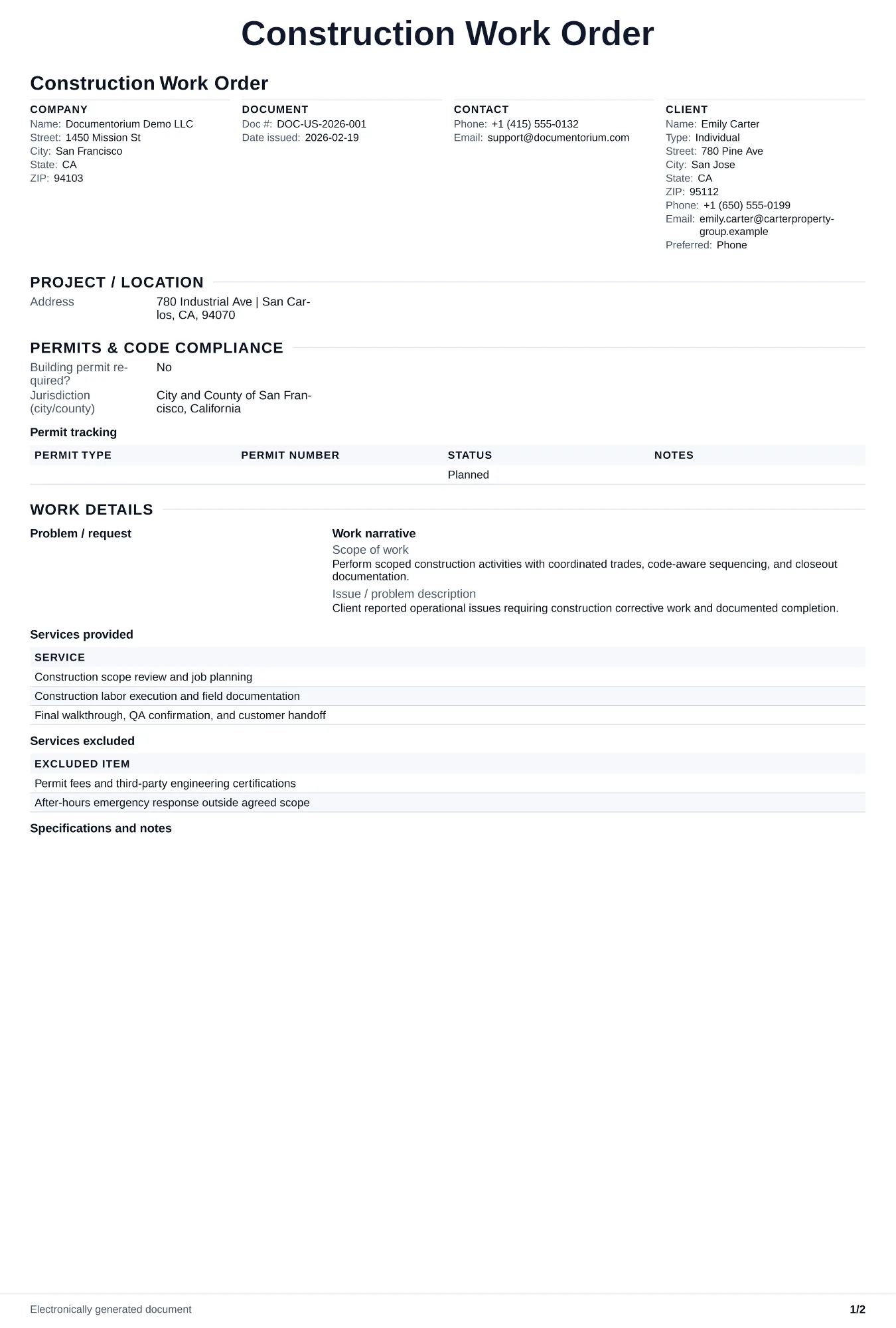
When to use and what to include
Assign and adjust execution details online, then generate a field-ready work order PDF. Use this to assign a specific task or scope of work to a crew or subcontractor on an active project, giving them clear written instructions on what to build, when, and where on site.
What to include
- Project name, work order number, date issued, assigned crew or subcontractor name, and the supervising project manager or superintendent contact information.
- Scope of work with specific location on the job site, plan sheet and detail references, specification sections, and quantities including dimensions or counts.
- Schedule requirements with start date, completion date, sequencing dependencies such as waiting for rough-in inspection before closing walls, and coordination points with other trades.
Common questions
- Can I edit this Construction Work Order before work starts?
- Yes. Update the crew, site notes, materials, tasks, and schedule in the guided form before downloading the final PDF.
- Can I save this Construction Work Order and reuse its details for similar jobs?
- Yes. With an account, save it in your history, edit it later, and reuse its job details as a starting point for similar work.
- Can I export this Construction Work Order as a crew-ready PDF?
- Yes. Generate a PDF your team can open on-site or print for job folders.
- Is a work order the same as a change order?
- A work order assigns tasks within the approved contract scope. A change order records an approved change to scope, price, or schedule.
- Does a subcontractor need a work order if they already have a subcontract?
- Use the work order alongside the subcontract to specify the next task, location, timing, and site instructions while keeping the subcontracted scope and price as the governing terms.
- Who signs a construction work order?
- The project manager or superintendent issues it, and the crew lead or sub foreman signs to acknowledge receipt and understanding. Keep a copy in the project file.
- How do I keep work orders easy to identify?
- Give each job a reference number and record its customer, work, assigned crew, planned date, status, and completion notes. With an account, you can save each PDF in your document history.
- Is a work order useful for a small job?
- It can be. A short work order records the requested tasks, price, planned date, assigned crew, and customer acknowledgment in one job document.