Construction Contract
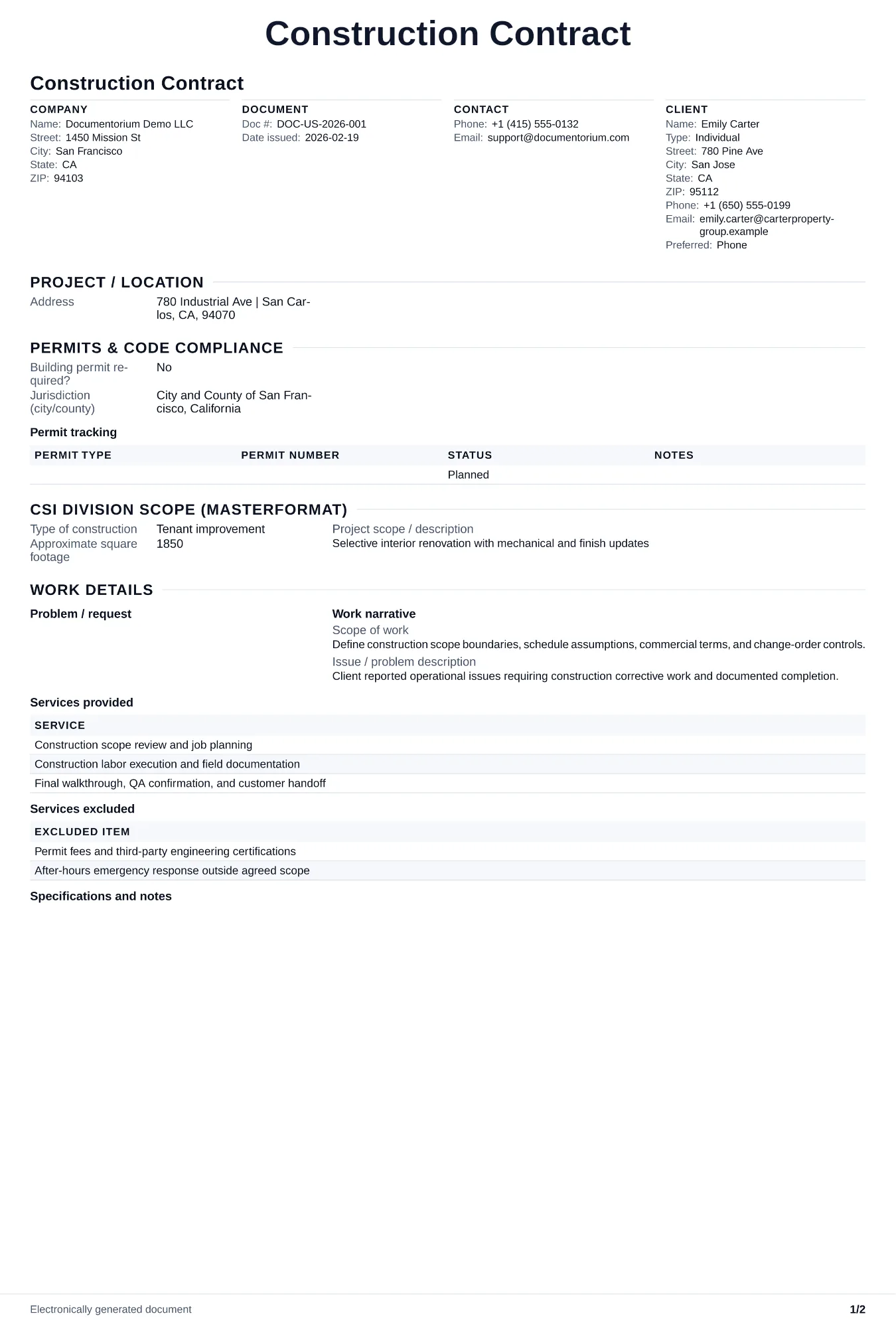
Record the agreed work, responsibilities, payment milestones, change process, acceptance conditions, and signatures. Covers user-supplied permit or code…
Complete and download the PDF before creating an account
When to use and what to include
Draft construction contract terms in the guided form, then generate a PDF for review and signature. Record the contract sum and payment method, schedule and milestones, responsibilities, change process, closeout conditions, and any damages or retainage terms the parties have reviewed.
What to include
- Contract sum stated as lump sum, cost-plus with a guaranteed maximum, or unit price, with the payment schedule tied to milestones or monthly pay applications and retainage percentage.
- Time of performance with a start date, substantial completion date, final completion date, and liquidated damages amount per day if applicable for schedule overruns.
- The parties and contact details relevant to the document.
Common questions
- Can I edit this Construction Contract online before both parties sign?
- Yes. Revise the included work, payment terms, schedule, and other clauses in the guided form before downloading the final PDF.
- Can I save this Construction Contract as a reusable contract baseline?
- Yes. With an account, save the contract in your history, edit it later, and reuse relevant party, job, and term details as a starting point.
- Can I generate a sign-ready PDF from this Construction Contract?
- Yes. Export a clean contract PDF suitable for e-sign workflows or manual signatures.
- Should I use an AIA contract or write my own?
- Use the contract form required by the owner, lender, or project documents. If you draft different terms, make sure they cover the actual work, payment, changes, risk allocation, and dispute process, and have counsel review them when appropriate.
- What is the difference between lump sum and cost-plus?
- Lump sum sets a fixed project price. Cost-plus records actual costs and an agreed markup, which can suit projects whose scope may evolve.
- Should the contract include a retainage clause?
- Use retainage only when the contract and applicable payment rules provide for it. Record the agreed percentage or amount, how it is calculated, release conditions, and due date instead of assuming a project-value threshold or universal rate.
- What should I review before using the completed Construction Contract?
- Review the parties, job or property details, dates, amounts, notes, and signatures entered in the Construction Contract. Confirm that the PDF matches the underlying job or agreement and any legal, tax, technical, filing, or notice requirements that apply to the location.