Automotive Repair Order
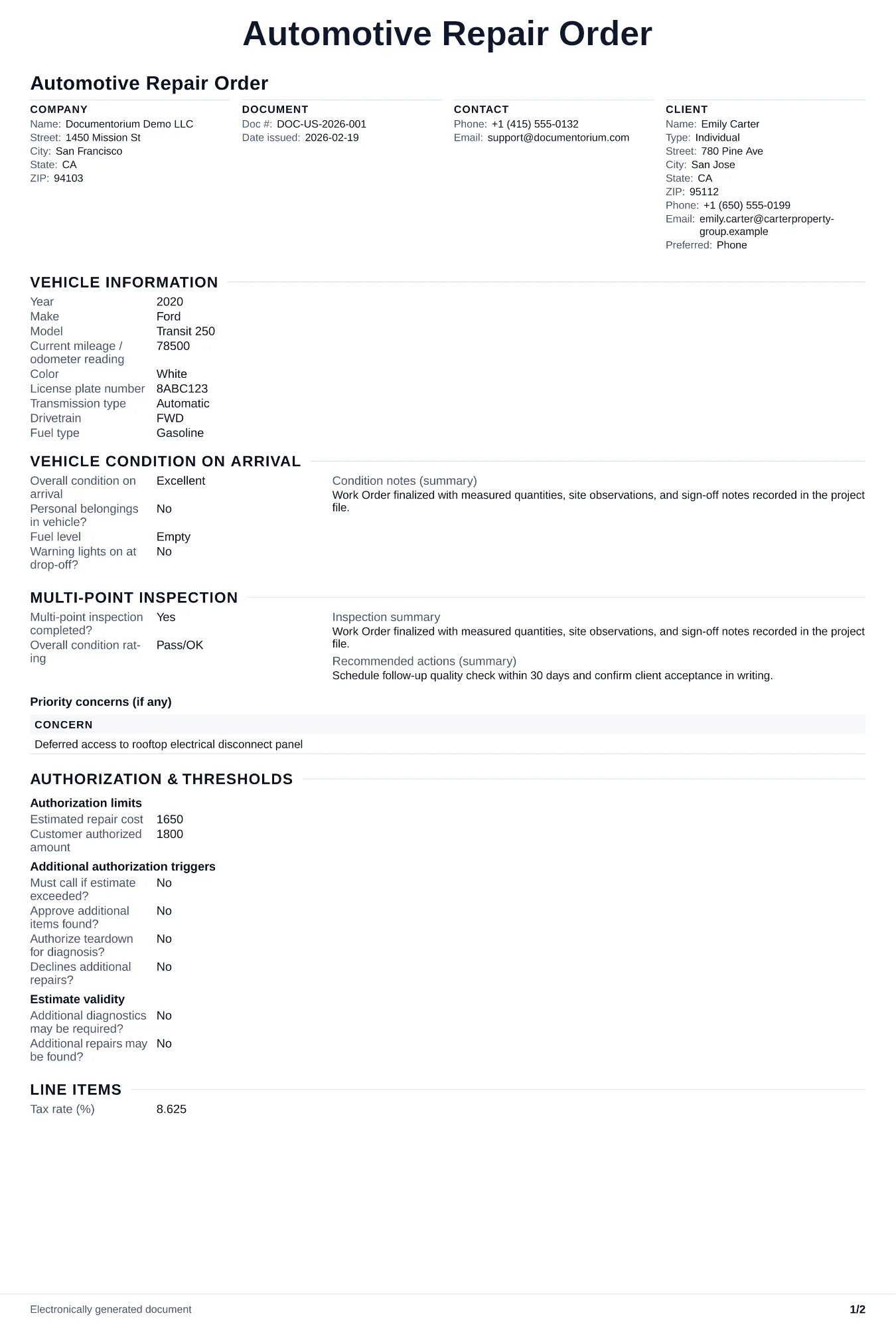
Turn approved work into a field-ready work order with tasks, materials, schedule details, and completion sign-off. Covers vehicle details, customer concerns…
Complete and download the PDF before creating an account
When to use and what to include
Enter the approved repair details online, then generate a work order PDF for the technician. Use it before work starts to record the vehicle, authorized repairs, parts, labor, instructions, and completion notes in one document.
What to include
- Vehicle details (year, make, model, VIN, mileage in/out) and customer contact information for mid-job approvals.
- Authorized repairs listed by operation, referencing the original quote number and any approved add-ons.
- Technician assignment, bay number, promised completion date, and priority level.
- Parts status for each line item: in stock, ordered, or awaiting customer-supplied part, with expected arrival dates.
- Time log showing clock-in/clock-out per operation and a sign-off field for quality check before vehicle release.
Common questions
- Can I edit this Automotive Repair Order before work starts?
- Yes. Update the crew, site notes, materials, tasks, and schedule in the guided form before downloading the final PDF.
- Can I save this Automotive Repair Order and reuse its details for similar jobs?
- Yes. With an account, save it in your history, edit it later, and reuse its job details as a starting point for similar work.
- Can I export this Automotive Repair Order as a crew-ready PDF?
- Yes. Generate a PDF your team can open on-site or print for job folders.
- How do I handle customer-supplied parts on the work order?
- List customer-supplied parts clearly, record the warranty terms that apply, and capture the customer’s written acknowledgment.
- How do I track diagnostic time separately from repair time?
- Add a separate line item for diagnosis with its own clock-in/clock-out. This lets you bill accurately when diagnosis takes longer than expected and shows the customer exactly what they are paying for.
- How do I keep work orders easy to identify?
- Give each job a reference number and record its customer, work, assigned crew, planned date, status, and completion notes. With an account, you can save each PDF in your document history.
- Is a work order useful for a small job?
- It can be. A short work order records the requested tasks, price, planned date, assigned crew, and customer acknowledgment in one job document.