Automotive Repair Authorization / Estimate Approval
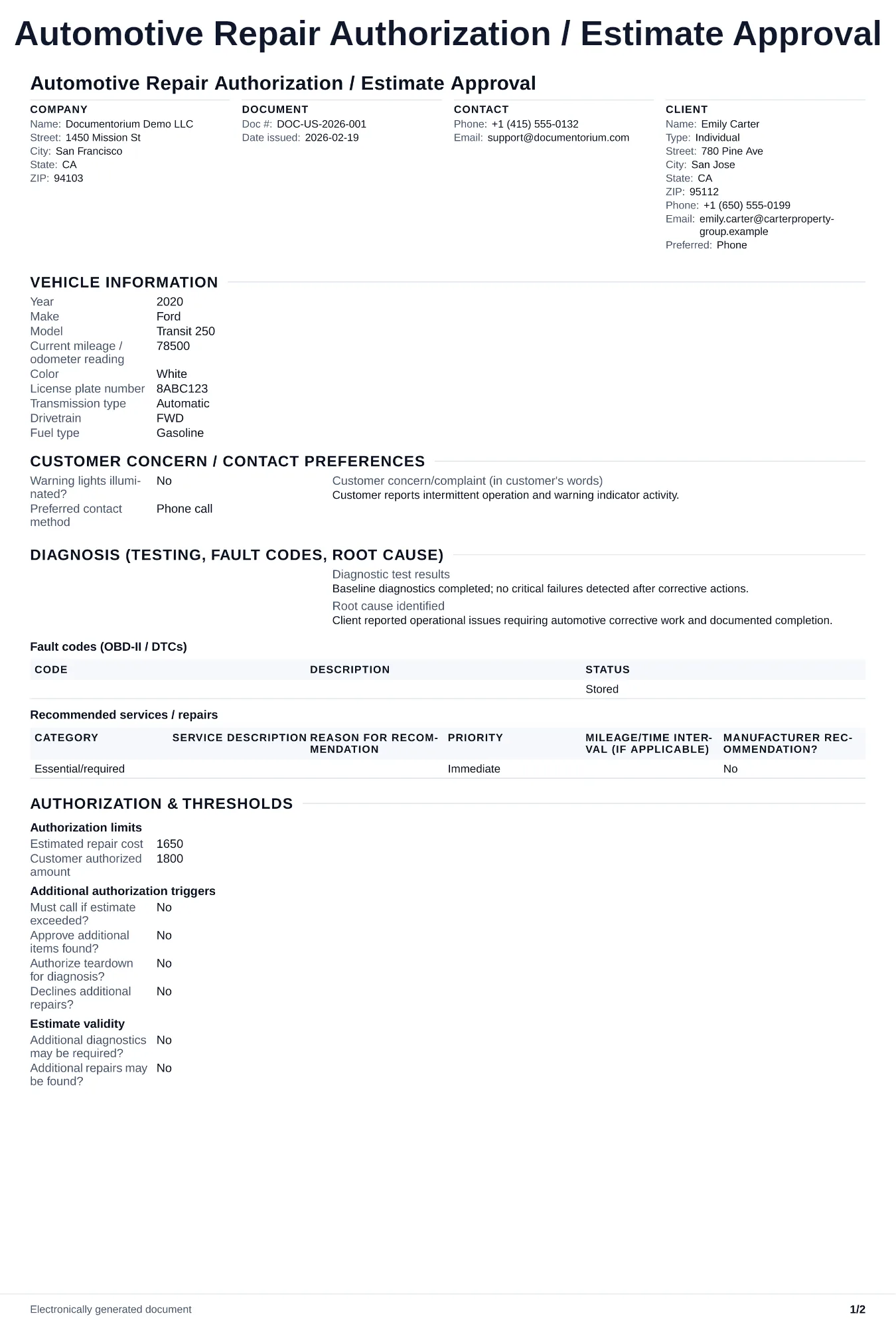
Capture written estimate approval and repair authorization with vehicle details before starting service work.. Create this document online — fill in client…
Complete and download the PDF before creating an account
When to use and what to include
Capture repair authorization online, then generate an approval PDF before work begins. Use this when you need the vehicle owner's written approval to proceed with quoted repairs, especially for insurance jobs, remote approvals, or work exceeding the original estimate.
What to include
- Reference to the original quote or estimate number, date, and the specific line items the customer is approving.
- Authorized dollar amount, any change threshold permitted by the customer and applicable law, and who to contact before that limit is exceeded.
- Customer name, signature (or electronic consent record), date, and preferred contact method for mid-repair questions.
- Vehicle identification (VIN, mileage) tying the authorization to the correct car, especially important for fleet customers.
- Acknowledgment of payment terms, estimated completion date, and any towing or storage conditions.
Common questions
- What should the customer authorize before repairs begin?
- Identify the vehicle, estimate, approved repairs, parts and labor, authorized amount, completion estimate, payment terms, and the person and method used for approval.
- What should I do if the repair will exceed the authorized amount?
- Record the new finding, added work, revised amount, and schedule impact, then obtain the customer's additional approval in the manner required for the location before performing work beyond the existing authorization.
- What should I review before using the completed Automotive Repair Authorization / Estimate Approval?
- Review the parties, job or property details, dates, amounts, notes, and signatures entered in the Automotive Repair Authorization / Estimate Approval. Confirm that the PDF matches the underlying job or agreement and any legal, tax, technical, filing, or notice requirements that apply to the location.